
Free AI Interior Design Tools You Can Use Right Now
They say the best things in life are free—but does that include AI interior design tools? Let’s find out.
I’ve personally tested over 25 AI interior design tools, giving me firsthand insight into which free AI interior design tools with free trials are actually worth using. In this post, I’ve compiled the best “free-ish” AI interior design platforms—including tools with free versions or trial access—and share my honest experience with each one, when to use them, and what you can expect from their free trial periods.
If you’re looking for a broader comparison of professional and paid AI tools, see our complete review here.
Free Interior Design AI Tools

Quick Overview
The Top Free AI Tools for Interior Design
For Renovation Planning: Coohom
For AI Generations: Planner 5D
Cheapest AI: AIHomeDesign
Coohom

Free Trial Length: 7 days
Overview
Coohom is an AI tool I’ve featured on my blog before—and for good reason. It’s incredibly versatile. You can draw out your floor plan, place furniture and kitchen cabinetry, and the platform simultaneously builds a 3D model of your space. From there, you can use its AI features to quickly change décor styles and view your design in multiple aesthetics. They also have an AI ceiling template, which applies lighting to a space and an AI re-design image generator.
Who It’s For
This tool is great for DIYers who want to plan out a home project and experiment with different design styles using AI. It’s especially useful for renovation planning and is also widely used by design professionals.
Pros
- Robust toolset that offers much more than simple AI-generated redesigns
- Combines floor planning, 3D modelling, and AI styling in one platform
Cons
- The software can feel a bit clunky at first
- With so many features available, there’s a learning curve while you figure out where everything is
Planner 5D
Free Trial Length: 7 days
Overview
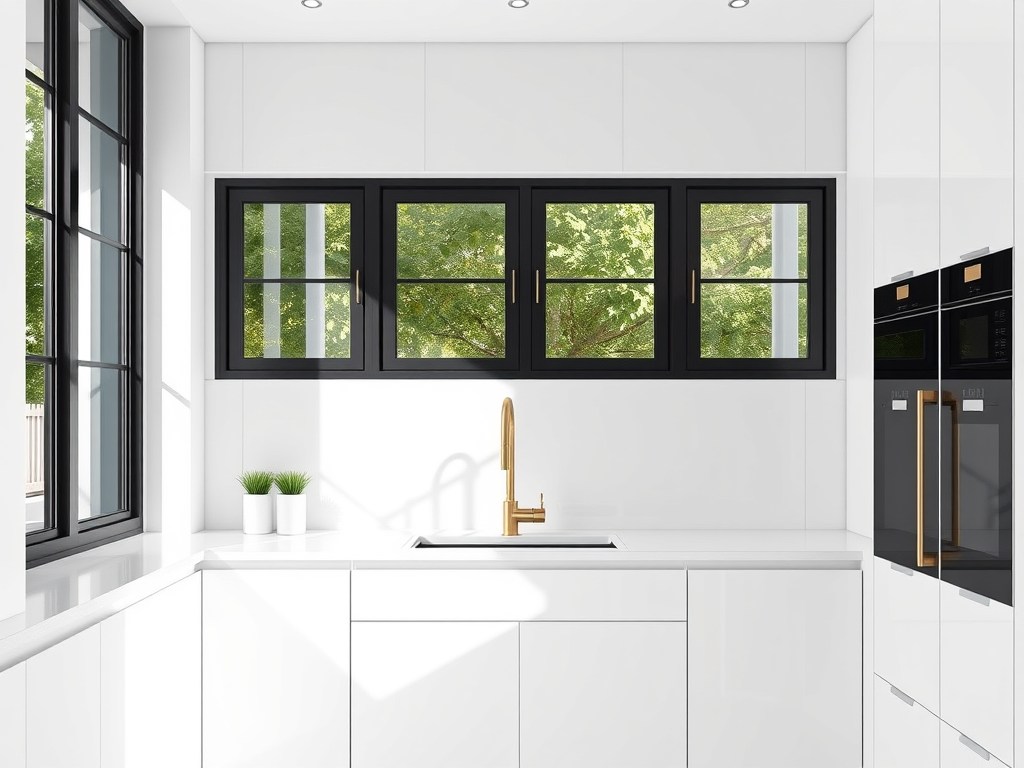
Planner 5D is similar to Coohom in that it allows you to draw out your floor plan, place furniture and kitchen cabinetry, and simultaneously generate a 3D model of your space.
It also features a very strong AI tool capable of producing impressive transformations—allowing you to test wallpaper, experiment with paint colours, and visualize design changes with ease.
The outputs Planner 5D produces are some of the best available, and this AI continues to impress me time and time again.
Read more on this AI here.
Who It’s For
This tool is great for DIYers who want to plan out their space and want to create quick visuals of their space completely transformed.
Pros
- Robust toolset that offers much more than simple AI-generated redesigns
- Combines floor planning, 3D modelling, and AI styling in one platform
- Amazing phone app
Cons
- At times, it’s hard to place items in the 3D software
Ohouse AI
Free Trial Length: 3 days
Overview
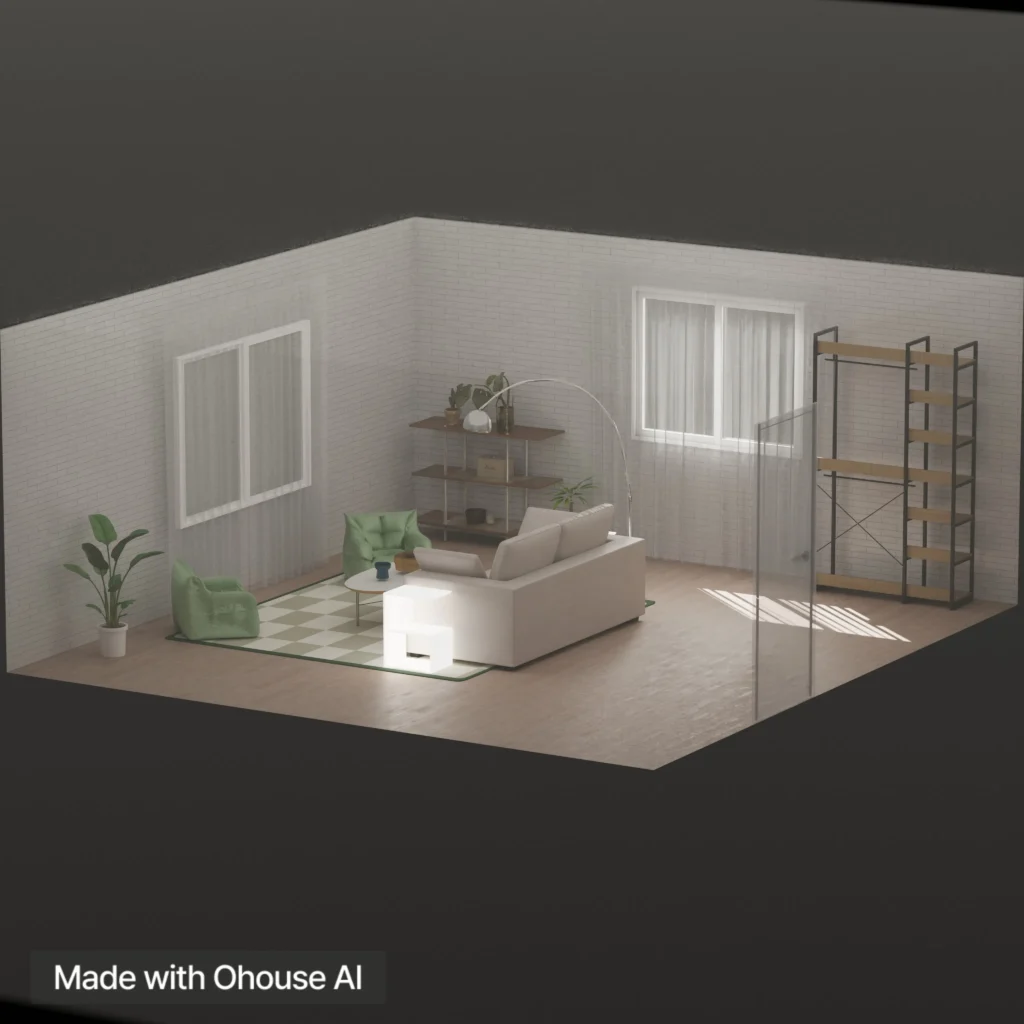
This AI app is incredibly popular in Korea—and if there’s one thing Koreans are known for, it’s doing things well (and yes, not just skincare). This tool is fun, interactive, and especially great for quickly changing the style of a space.
One of my favourite features is the ability to swap out individual items within a room. Want to see how a rug would look in your space before purchasing it? This AI can do that—and more. It also shops for you by recommending affordable furniture to help bring the design to life.
Even better, the app can generate 3D models directly from your phone, and it’s surprisingly easy to use.
To read more on this AI, click here.
Who It’s For
This tool is ideal for younger design enthusiasts or anyone looking to decorate their space in a fun, low-pressure way. It’s also great for people who enjoy interior design as a creative outlet or a form of relaxation—almost like a design game—allowing you to create miniature interiors and experiment with trend-forward styles.
Pros
- Very easy-to-use mobile app
- Clever AI that helps visualize your space with different furniture and décor
- Built-in furniture shopping and product recommendations
Cons
- The furniture library in the 3D gallery isn’t very diverse
Home Visualizer

Free Trial Length: 3 free outputs
Overview
Home Visualizer is one of the first AI tools I ever tested—so this goes back a few years. While it’s a relatively simple platform, the outputs are surprisingly impressive.
This AI can upscale images, turn sketches into rendered visuals, and restyle rooms in a variety of design aesthetics. Some of its tools—like sketch-to-render—can even be used in unexpected ways. I’ve had someone reach out to tell me they used it for furniture design, which really speaks to the flexibility and capabilities of this AI.
This tool lets you input text requests as well as select the desired style of your room, resulting in a more accurate and unique render. It also has a “style fashion” feature that allows you to “try on” your favourite Pinterest designs.
To read more on this AI, click here.
What is the next best thing to be completely free? Well, a good discount that is.
Home Visualizer Discount Code: DEE15
Who It’s For
This tool is great for folks looking to redecorate their space and want a no-fail, easy-to-use tool.
Pros
- Simple to use
- Allows you to interact with the AI
- The program pairs with Google Lens to help you find products similar to those seen in your render
Cons
- Not as robust a tool as some other tools on the market
AIHomeDesign

Free Trial Length: free credit
Overview
AIHomeDesign is one of the most affordable AI interior design tools out there. Each visual is less than a dollar! I love that this tool makes AI accessible, and it does a solid job at generating design ideas. You can also photo edit and remove unwanted items, and try on paint colours.
Who It’s For
Real estate agents who are looking for virtual staging and homeowners who are looking for visuals before they make changes to their home.
Pros
- Simple to use and very affordable, it’s nearly free
- Great for virtual staging
Cons
- Not as robust a tool as some other tools on the market
ReImagineHome

Free Trial Length: 3 free image generations
Overview
ReImagineHome is a very clever AI that you interact with much like you would ChatGPT. For this reason, I would say it’s very user-friendly, and the AI listens to what you tell it…it doesn’t hallucinate like other AI tools. This AI has a ton of image editing tools, and it can even generate designs for exteriors as well!
To read more about this tool, click here.
Who It’s For
Interior designers or homeowners looking to generate images for both interior and exterior spaces, and beginners who want to explore their creativity using an AI design tool.
Pros
- Has a robust tool kit to edit images
- AI is intuitive and creates impressive outputs
- Can create exterior designs as well
Cons
- At times the AI will change the aspect ratio of the image
ChatGPT
Completely free AI interior design tool
Overview
Good old ChatGPT had to make the list—because, well, everyone and their mother is using it for interior design (and everything else). But how well does ChatGPT actually design?
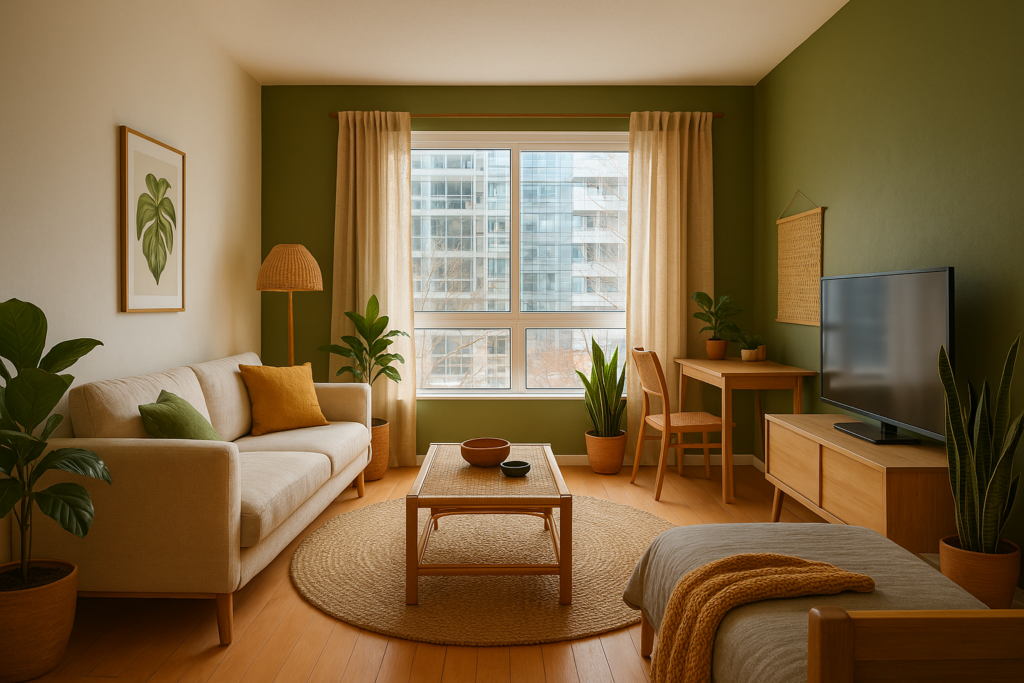
Honestly, ChatGPT is only as smart as your prompts. The interesting thing about this AI—and really, about AI tools in general—is that you can prompt the same way and still get completely different results. That variability is part of what makes it both powerful and unpredictable.
ChatGPT earned its spot on this list simply because it’s genuinely free and surprisingly useful when prompted correctly.

Who It’s For
Anyone looking for a genuinely free AI interior design tool and a solid starting point for exploring design ideas—especially those comfortable experimenting with prompts.
Pros
- Completely free to use
- Familiar and easy-to-navigate AI interface
- Capable of generating decent concept images when prompted wellte decent images
Cons
- ChatGPT can occasionally hallucinate or misinterpret details
- Results depend heavily on the quality of prompts
- The free version may limit image generation or usage at times; it limits your image generation abilities
Follow This To Get The Best Results From Free AI Interior Design Tools

AI Is Only As Good As Your Prompts
If you have any experience with ChatGPT, you know that AI relies on your ability to verbally communicate what you’re looking for. When it comes to prompting for interior design outputs, here are some good rules of thumb:
- Steer clear of vague descriptions unless you intentionally want the AI to improvise.
- Keep prompts simple — simpler prompts often lead to better results.
- Be specific, but concise — clarity matters more than length.
- Describe what to enhance, rather than what to remove or diminish.
- Focus on the goal of the redesign — define the overall outcome you want to achieve.
- Avoid conflicting instructions that can confuse the AI.
Do Your Own Research
Just because you’re using a AI tool to assist with your design doesn’t mean you won’t have your own homework to do. In 2026, AI for interior design has advanced…a lot. However, it’s still not at the point where you can skip your own legwork.
You have to double-check for building code. Double-check room measurements and make sure the layout is actually achievable. Read: The Best and Worst Free Interior Design Layout Software
Click Here To Shop My Favourite Home Goods
Let’s design your space together, virtually.





