AI TRAINING FOR INTERIOR DESIGNERS
Start implementing AI into your workflow today.
Stay ahead with actionable ways to use AI to streamline your workflow, save time, and get back to focusing on the creative side of interior design.
Everything you need to get started with your new AI workflow.

This is what you will learn
How to set up Claude
Learn the simple setup that gets you great results from AI, starting on day one.
How to build repeatable skills in Claude
Go beyond chatting with AI and build skills that handle your repeatable work for you.
How to conduct project & client research
Use AI to research your clients and conduct the research needed for every unique project.
how to use AI to assist with sourcing
Let AI search millions of product pages for you and shortlist every viable option.
how to create tear sheets and FF&E schedules
Create client-ready tear sheets and trade-ready schedules with AI.
how to create proposals & Budgets
Create accurate, impressive proposals with AI instead of wrestling with Excel.
how to automate your order tracking
Keep track of all the items you’ve ordered and create status updates for the client.
How to use the Claude in Chrome extension
Utilize the most powerful Google Chrome extension to get more done, faster.
How To Use Claude With Canva Integration
Learn how to use Claude to speed up your design presentations in Canva.
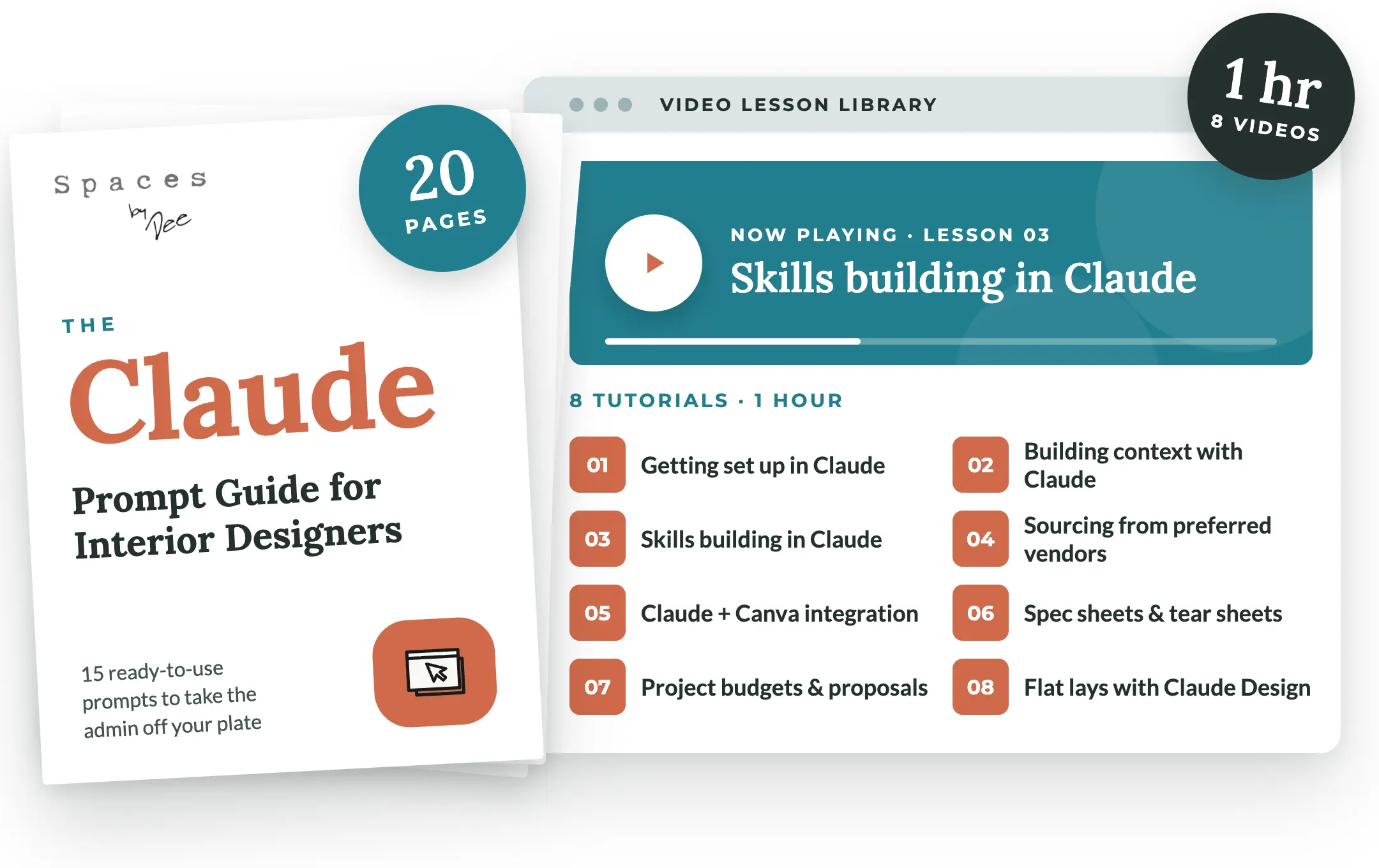
Here’s what’s included
The Claude Prompt Guide for Interior Designers
Who is this course for?
Designers who don’t want to get left behind. Whether you’re brand new to AI or you’ve worked with AI and never found a practical use for it, this course walks you through exactly how to put AI to work and save you hours of time.
Solo Designers
Too busy to do it all yourself, but not quite ready to hire? AI fills that gap.
Design Teams
Looking to work more efficiently and reclaim their time with smarter AI workflows.
Start your AI workflow today — Only $199
Stop wasting time on admin work and get back to designing.
One-time payment. Lifetime access to all lessons, the prompt guide, and future updates.
Pricing is in USD.
“
Claude has saved me hours on end. The spec sheets, order tracking and late-night follow-up emails that used to eat my evenings now take minutes, and it pulled me back from the edge of burnout. I felt so silly that I didn’t start using it sooner.