
The Best AI Tools For Interior Designers’ Workflow
On my blog, I’ve talked a lot about generative AI interior design tools, and while these tools can definitely be helpful for interior designers, there are also AI solutions on the market designed specifically to improve an interior designer’s workflow—and that’s what I want to focus on for this post.
These AI tools are built to help designers create impressive client presentations, enhance communication, streamline workflow, and ultimately make everyone’s life (designers and clients included) a little easier. Sounds great, right? Let’s dive in and explore AI tools created for interior designers—backed and tested by a designer.

The Top AI Tools For Interior Designers In Business
1. Midjourney

Midjourney is a powerful AI tool that interior designers are raving about. If you’re not familiar, MidJourney is an image generator that can even create video presentations and alter existing images. You can also use it to design mood boards. Its text-to-image feature allows interior designers to quickly create impressive visuals to present to clients.

For example, a designer might start with a concept like: “large living room with Mediterranean vibes, blue tiled fireplace, and cozy reading nook.” Sounds lovely, right? With MidJourney, that description can instantly be conceptualized using the /image prompt. From there, you can refine the output with precision tools, or even elevate the image further with Adobe Firefly—its generative fill feature is a real game-changer.
However, if you don’t know how to prompt MidJourney correctly, your results will be lacklustre. Thankfully, I’ve put together a quick guide for designers on how to use MidJourney effectively — grab it here.
2. Nano Banana
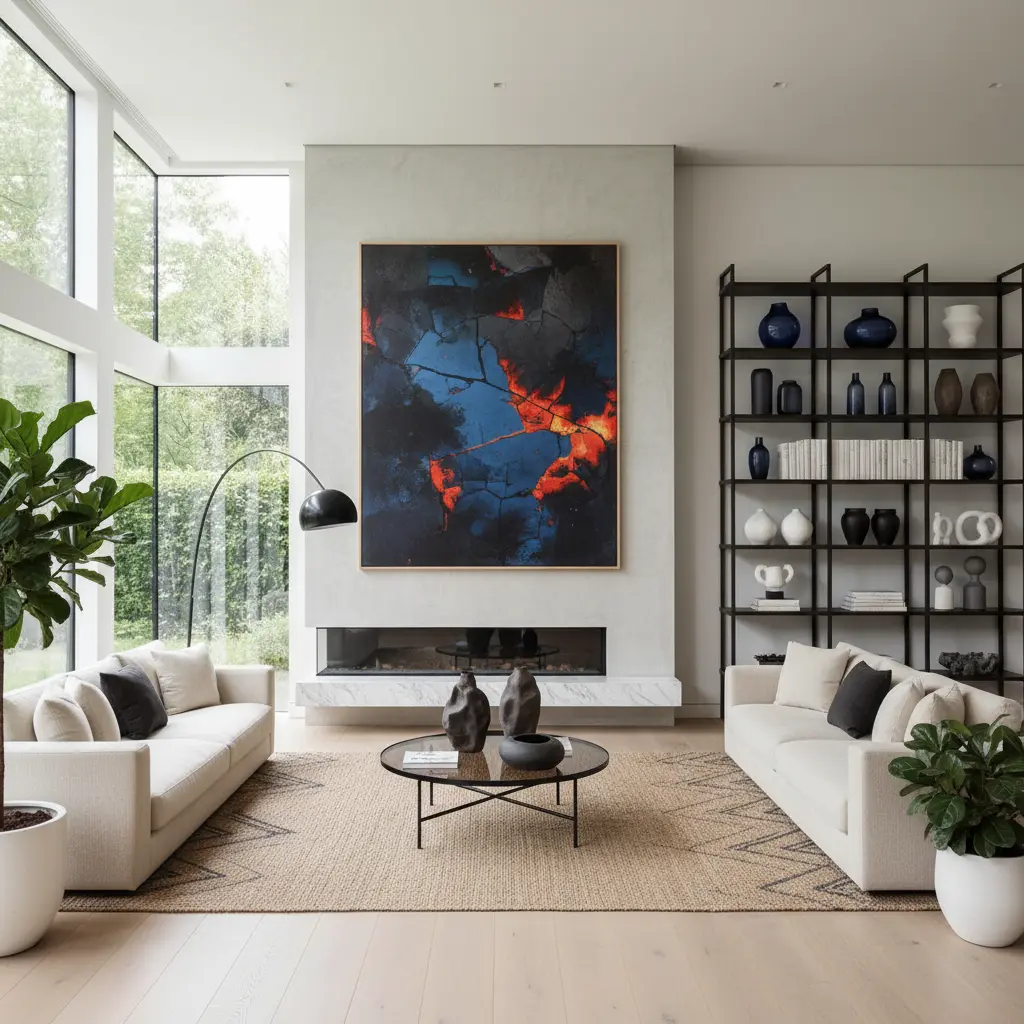
Much like Midjourney, Nano Banana is shaking up the game when it comes to generative tools for interior design—and of course, we’d expect nothing less from an AI created by Google. This tool is fantastic for designers who want to quickly generate interior images or put together mood boards with ease. Currently, Nano Banana’s generations are available through other AI rendering platforms such as Imagine.art.
Are you a designer looking for the best over all software to run your business? Read: The Best and Worst Interior Design Software
3. Notta
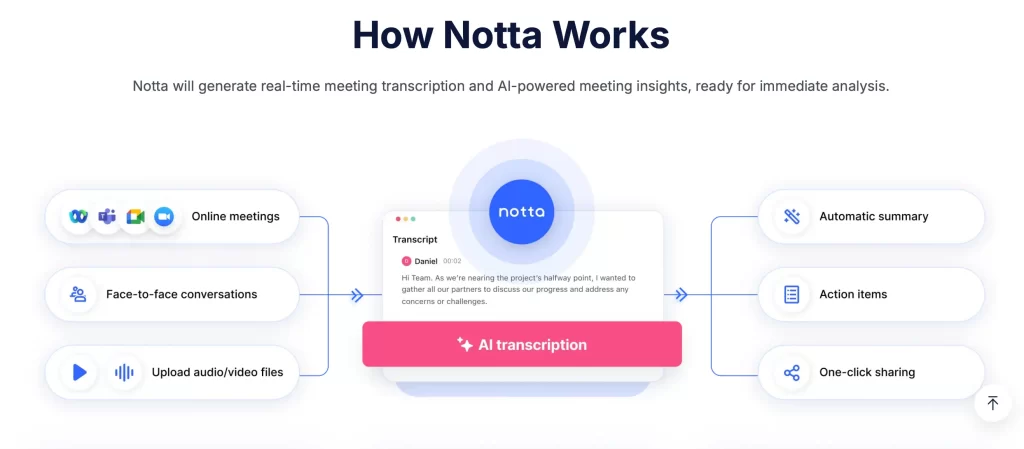
Ever feel overwhelmed trying to keep up with meeting notes? Manually jotting things down is quickly becoming a thing of the past. Now, AI tools, such as Notta, can assist with note-taking so you can stay fully engaged in the conversation while the AI generates clear, comprehensive notes for you to reference later.
This is especially helpful for designers who are constantly jumping in and out of virtual meetings (hello, fellow online interior designers). The meeting overload can get real, but with AI you can easily keep track of what your mill worker, contractor, or clients said—without worrying about missing a single detail. So, integrate Notta into your meetings, whether they’re online meetings on Teams or Google Meet or in-person meetings. That’s right, with this AI you can:
Note take for virtual meetings: Yes, it integrates with Zoom, Google Meet, Teams, etc., to automatically record and transcribe conversations. Game changer for virtual interior designers, like myself.
In-person meetings: You can also use the mobile app or desktop app to record live, in-person conversations, and it will transcribe them in real time.
Uploaded recordings: You can upload audio or video files (like interviews, lectures, or podcasts), and Notta will generate transcripts.
4. Planner5D
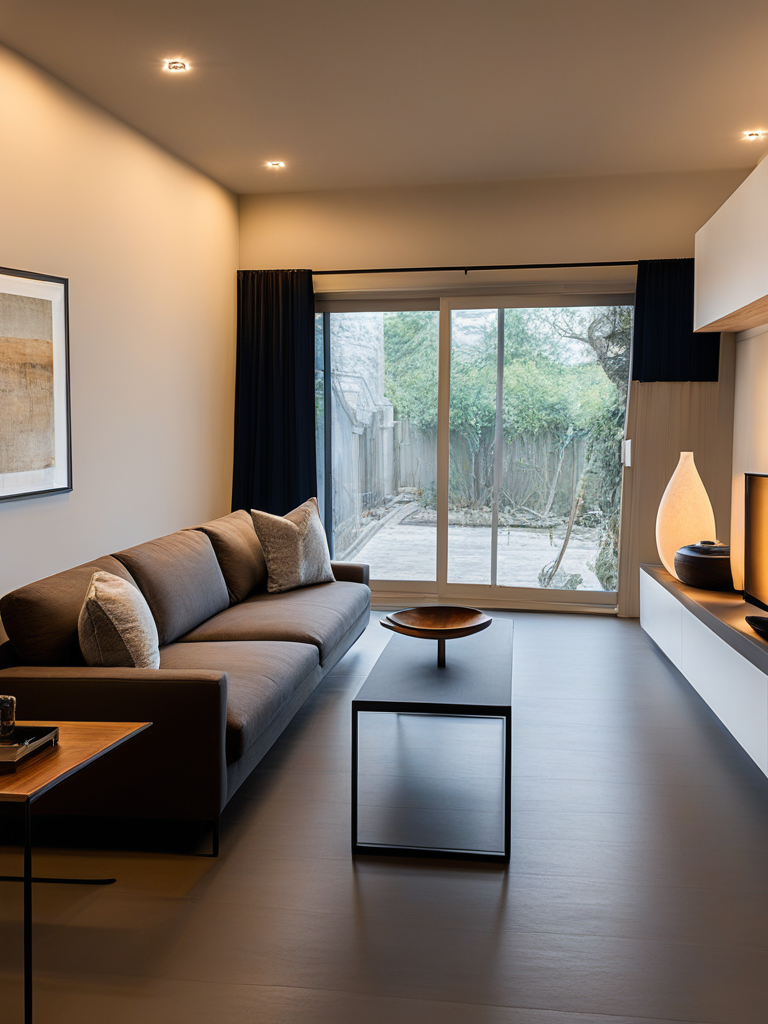
I’ve raved about Planner5D on my blog before—and for good reason. One standout feature worth highlighting is its ability to digitize hand-drawn floor plans with ease. That means your rough, not-to-scale sketches (the kind we all jot down while onsite) can be scanned straight from your phone, automatically scaled, and transformed into a digital version. The AI even sends you a link to open it instantly.
This feature alone has been a game-changer for me. If you’d like to dive deeper into all the other features Planner5D offers, check out my full post here: I Tested The Best AI Interior Design Phone App
5. NotebookLM

Another Google AI making waves is NotebookLM. This tool can analyze notes and answer questions based on the information it processes—an absolute lifesaver for busy interior designers.
Imagine this: you’ve just received a long chain of client emails detailing preferences, measurements, and project updates. Or maybe you’re onboarding a new interior design assistant who needs to quickly get up to speed on multiple projects. Instead of manually combing through pages of notes, documents, mind maps, and sketches, NotebookLM can process all of it for you.
It intelligently analyzes graphics, text, and even complex layouts, then distills the information into clear, digestible insights. Suddenly, what used to take hours becomes a few minutes, giving you more time to focus on design decisions and client interactions. For designers juggling multiple projects, this tool can be a game-changer for productivity and clarity.
6. ClickUp

ClickUp is a fantastic project management tool for interior designers—and yes, it really lives up to the hype. As designers, we know that running an interior design business is mostly project management. You have to coordinate trades, follow up with vendors, order materials, and keep everything on schedule.
That’s why having a well-organized calendar and a reliable project management AI is a game-changer. For me, ClickUp is the go-to choice, helping streamline tasks, track deadlines, and give you that extra helping hand so nothing slips through the cracks.
7. Enviz
Bonus: XR For Interior Designers!
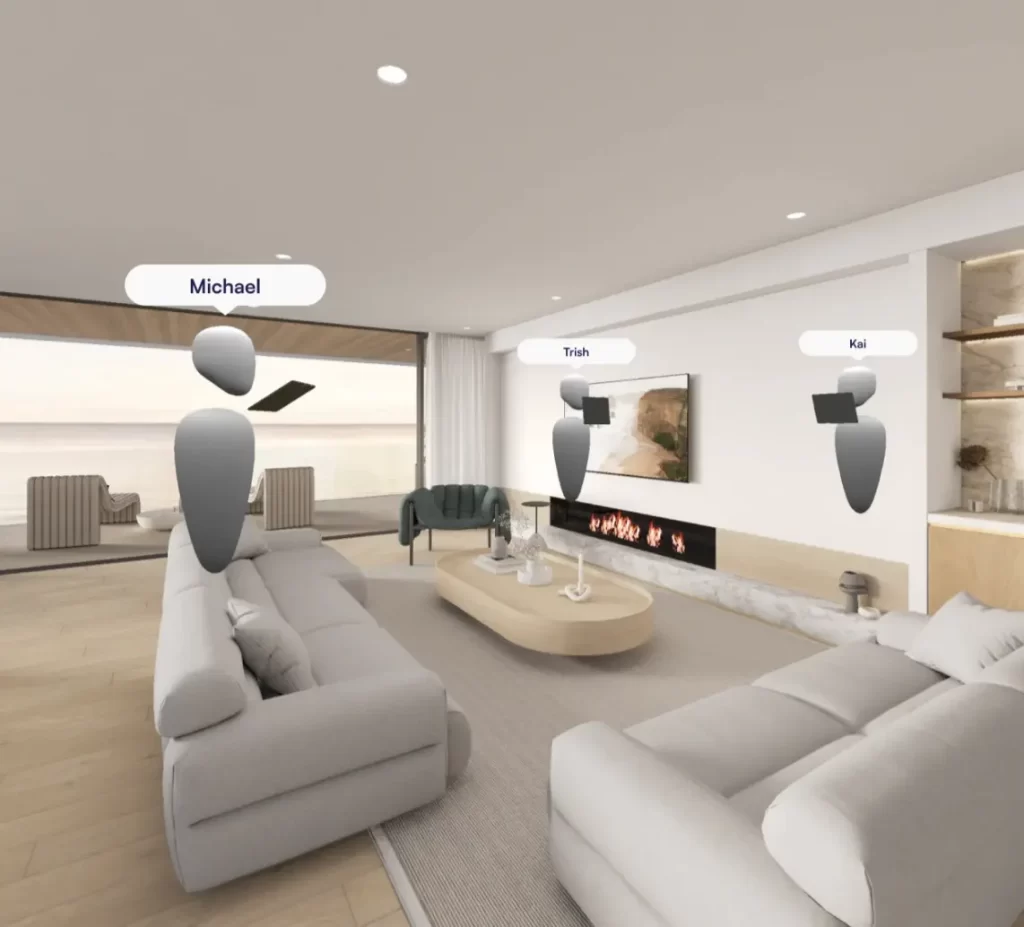
For designers who want to take their presentations to the next level, I’m adding a bonus tool: Enviz. This platform creates immersive XR experiences from 3D models and floor plans—bringing the future of interior design into the present.
Here’s what Enviz can do:
- Upload your designs with ease – Architectural files or 3D models (SketchUp, Revit, 3DS Max, etc.) can be uploaded and instantly converted into interactive, walk-through spaces.
- Cross-device compatibility – Clients can explore designs on desktop browsers, tablets, mobiles, and even VR headsets.
- Walkable mode – Virtually “walk” through a space to understand its scale, flow, and functionality before it’s built.
- Dollhouse / table-top views – See the entire design from above or in miniature format for a new perspective.
- Augmented reality overlays – Project designs directly into physical environments with AR to see how they integrate on-site.
The Top AI Tools For Interior Designers
So, there you have it—my top picks of AI tools for interior designers who want to streamline their workflow and step into the future as AI-first designers. As someone who has fully immersed herself in the world of AI, I know how overwhelming the sheer number of tools on the market can be. That’s why I wanted to break it down for you—so if you’re a fellow designer, you’ll have the right tools to explore, save time, and work more efficiently. And honestly…who wouldn’t love that?
Read: Rayon vs. ArcSite: Which Is The Best AutoCAD Alternative?
If you’re looking for the best overall interior design contact, see: The Best and Worst Interior Design Software
Subscribe to my newsletter to get all the juicy details on the latest AI tools shaking up the interior design scene. 👀
Click Here To Shop My Favourite Home Goods
Let’s design your space together, virtually.



