
The Best Interior Design Tools For Beginners
If you’re tackling your very own interior design project, you might feel a bit overwhelmed. The good news? There are some incredibly helpful interior design tools on the market. And, cough cough, there are also talented interior designers who work virtually. That said, this post is focused on the best interior design tools for beginners and how you can use them to help design your space yourself.

Different Types Of Interior Design Tools
I’m no stranger to all kinds of interior design tools — from software to AI and everything in between. I’ve tried and tested them all, and I often spill the beans about these tools on my blog.
The tools I recommend for professional designers are very different from what I’d suggest to a beginner. Why? Well, it comes down to learning curves.
Let’s keep it real: we all have short attention spans these days, and busy schedules. That means most of you aren’t keen on spending hours learning new interior design software. If you’re starting your own project, you’re probably already overwhelmed with design decisions, budgeting, and staying organized. So, let’s break it down and focus on the most user-friendly interior design tools that can actually help you succeed in your project.
Most User-Friendly Interior Design Tools
1. Planner 5D
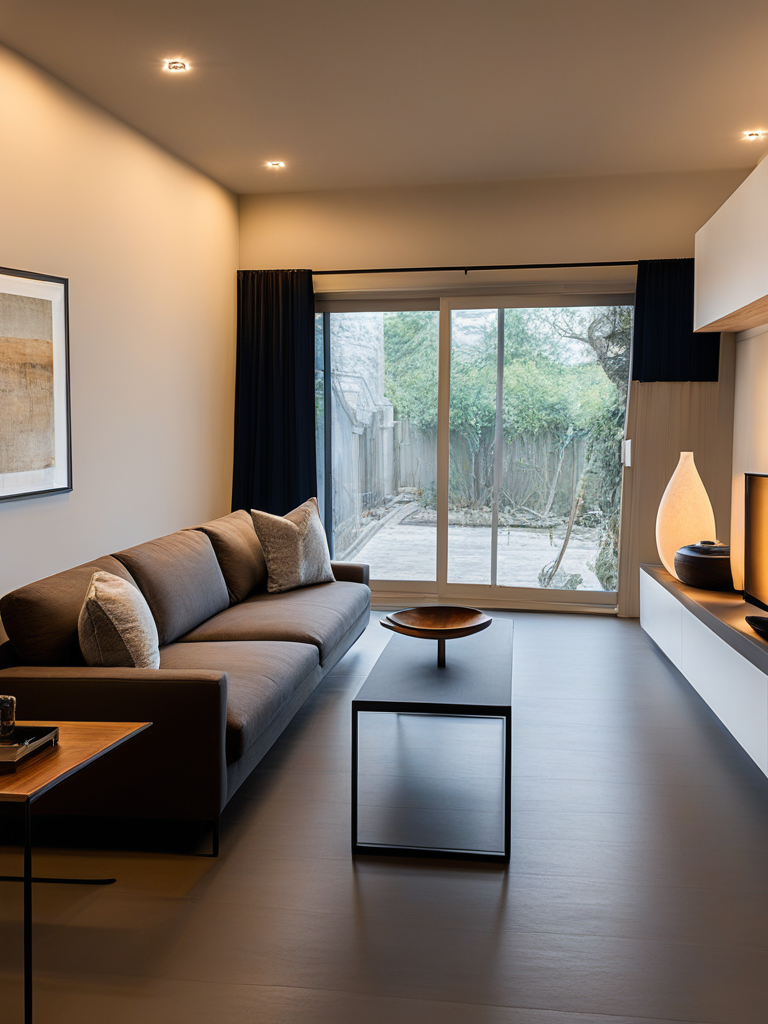
Planner 5D is a tool I’ve reviewed on this blog plenty of times, and for good reason. This AI-powered platform can pretty much do it all: 3D modeling, realistic 3D visualizations, and creating layouts. It’s a true one-stop tool for all things interior design. The main reason it makes this list is its ease of use — it’s certainly beginner-friendly, though they also offer a Pro plan for more advanced features and for professional use.
With Planner 5D, you can create to-scale floor plans, which means more accurate planning for both your layout and furniture placement. As I always say: don’t dive into interior design without a plan — this isn’t something you can’t wing.
Once your floor plan is ready, you can visualize your space as a 3D model. And really, who wouldn’t want the option to see their design before committing?
This AI can also generate interior design ideas for you. If you’re stuck in the idea phase — which is totally normal, given how many directions a project can take — Planner 5D can suggest options based on popular interior design styles. Even if you don’t feel particularly creative, this AI gives you a starting point to build from.
2. Homestyler
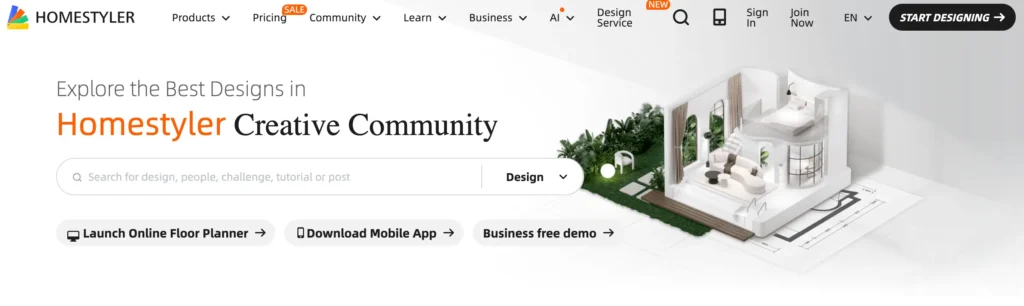
Homestyler is an online 3D interior design and floor planning platform that combines ease of use with powerful visuals. It’s suitable for both amateurs and professionals who want to visualize interior spaces — from simple room makeovers to more complex design projects.
Homestyler is comparable to Planner 5D, but I wanted to include it on this list because, when it comes to tools, different strokes for different folks. You might prefer Homestyler’s user experience over Planner 5D. A good way to decide is to sign up for the free trial and see which platform feels right for you.
3. Google NotebookLM

Google’s NotebookLM is an AI tool that can do much more than just help with interior design projects. But, to stay on topic, this tool can assist beginners in understanding design quotations sent by trades, reviewing design drawings, and essentially dissecting any interior design documentation that you need clarified.
When embarking on an interior design project, there’s actually a lot of paperwork involved. As a designer, I can confidently say that a large part of my job is administrative work. Why? Every component of a renovation or larger interior design project involves working with multiple vendors, which means there’s often a lot to review — especially for custom projects like kitchens or bathrooms. You’ll need to go through contracts, drawings, plans, and documentation from various trades, which can quickly become overwhelming.
Having an AI that can break down this documentation is like having a design assistant whose main job is administration. It summarizes information in a digestible way, and you can even ask it specific questions, such as: “What are good questions to probe based on this contract my contractor gave me?”
4. Laser Tape Measure

My laser tape measure is something I never go without when visiting a client’s home — it makes the measuring process so much easier. If you’re tackling your own interior project, you’ll likely need to measure and draw up layouts for every space in your home. Using a traditional measuring tape can be tedious, time-consuming, and prone to inaccuracies. With a laser tape measure, however, this process becomes much faster and far more precise. This tool is a lifesaver. You can find this tool, and more, at Home Depot.
5. Pinterest

This might be obvious, but Pinterest is probably still the best platform for gaining inspiration for interior design projects. This is often where my clients begin their interior design journey. It’s a place to explore pictures of interiors and have those “aha” moments—like, yes, that’s exactly what I want! Creating pin boards allows you to organize your design wishlist, which can serve as the foundation for your personal style and project vision.
DIY Interior Design Advice
Interior design is never really a solo DIY project. Even if you figure out most of it on your own, you’ll need a helping hand somewhere along the way. By nature, interior design is collaborative—it involves people from different trades, furniture vendors, and various designers to bring a vision to life.
So, my advice for beginners looking for interior design tools is to seek help from professionals whenever you can. The good news is that in today’s world, designer guidance and advice are more accessible than ever. Even if you just have a designer (cough, me 😉) oversee your renovation plan, you can avoid costly—and sometimes ugly—mistakes and make sure your project stays on track.
With the right tools, the right people, and the right process, starting and completing your interior design project can actually be enjoyable. I hope this list of interior design tools has been helpful. If you want a more official guideline for approaching your interior design project, check out my e-guide here.
Click Here To Shop My Favourite Home Goods
Let’s design your space together, virtually.




