
How Interior Designers Need To Adapt To The AI Revolution
If you’re an interior designer — or an aspiring one — you probably fall into one of two camps:
- You’ve already started integrating AI into your workflow (in which case, yay for you!).
- You’re completely freaked out by AI, have a negative opinion about it, and aren’t sure how to adapt to the changing design landscape.
And that’s where the great divide lies. I call it the Great Schism of Interior Design — to get behind AI, or not to?
Here’s the truth: I don’t think designers have a choice.
The way I see it, interior designers will either adapt to the AI revolution or get left behind. At the very least, refusing to use AI means longer hours doing tasks that AI can now handle in minutes.

The Biggest Misconception On AI In Interior Design
There’s a huge misconception about AI’s role in our field. Some people think AI will completely eliminate the need for interior designers, and honestly, that idea makes me laugh.
We designers know how much goes into every project: coordination, collaboration, creative direction, sourcing, dealing with trades, and managing timelines. These are complex, human-driven processes that AI simply can’t replicate.
As someone who has experimented with nearly every AI design tool out there, my conclusion so far is this: AI doesn’t replace designers — it replaces certain tools and helps us work faster and more efficiently than ever before.
AI shouldn’t (and can’t) take over the entire design process. It’s just not possible — or practical.
“AI Is Taking Away My Clients!” — Or Is It?

It’s true that more homeowners are starting to explore AI design tools to create their own spaces. Some designers worry that means AI is “taking away business.”
But I honestly don’t think that’s true.
Here’s why: the people who are drawn to AI tools to “DIY” their home designs were probably never your target clients to begin with. They weren’t in the market for professional interior design services — they were in the market for ideas, inspiration, or quick visuals.
So rather than seeing AI as competition, see it as a filter. It separates casual design hobbyists from clients who truly value a designer’s expertise, creativity, and project management skills.
There will always be clients who want (and need) the real deal — someone who can bring their vision to life, manage logistics, and create spaces that feel intentional and personal. AI doesn’t erase the experience, professionalism, and creative intuition that designers bring to the table. What it does do is shift how we work, communicate, and present ideas.
In fact, I’ve had a few clients come to me after spending hours with AI design tools, frustrated by the lack of nuance, personalization, and real-world understanding those tools provide.
Let’s look at how the designer–client relationship will change with the AI revolution, and how you can adapt and stay ahead.
Design Presentations Got a New AI Look
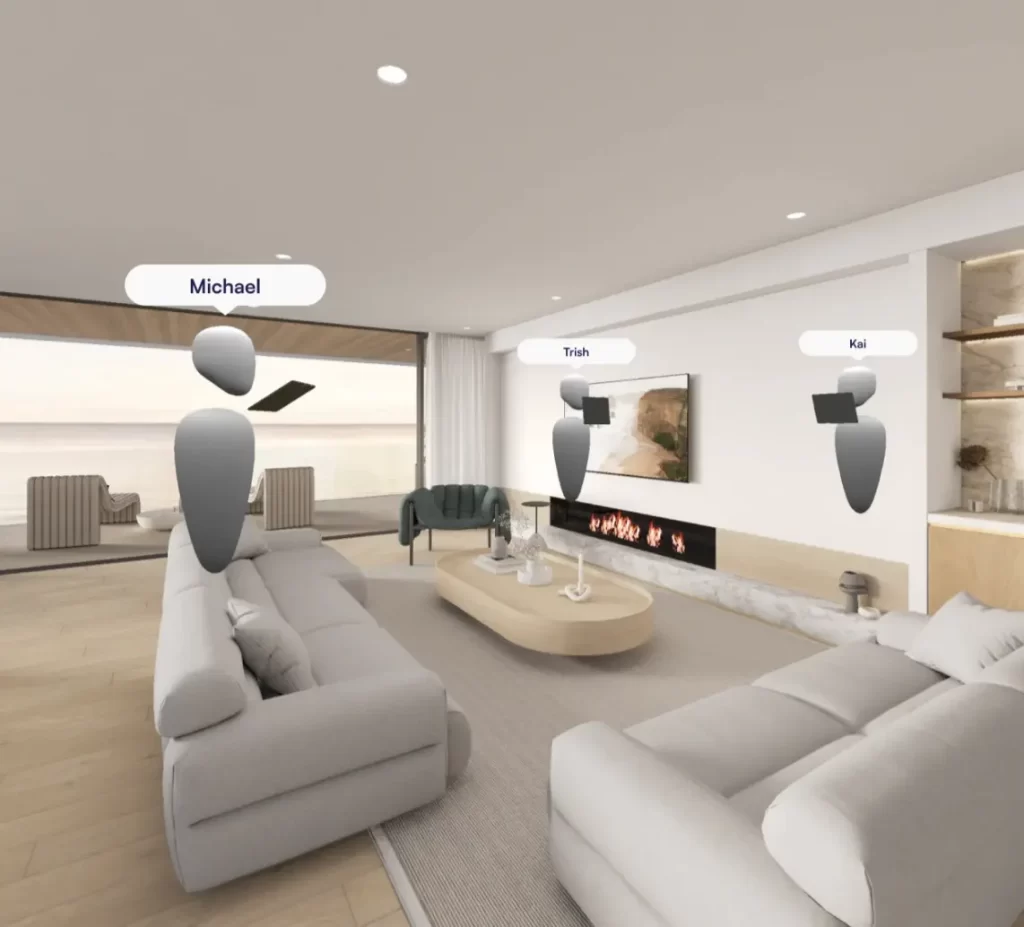
Presenting your ideas and designs to a client is one of the most important parts of being an interior designer. As we all know, interior design involves a lot of admin work — but creating beautiful presentations to sell your ideas is where the magic really happens.
With that in mind, designers are starting to level up their presentation game — and yes, you guessed it — with AI.
Traditionally, design presentations include slides with mood boards, Pinterest inspiration, spec sheets, and 3D visuals. And while that’s all fine and dandy, there are two major challenges:
- Time: Building detailed 3D models and renderings takes ages. Sure, the visuals are stunning — but they eat up far more time than most designers are willing to admit.
- Engagement: With new AI tools like Sora, designers can now create animations and short videos from their 3D visuals, offering clients a far more immersive and engaging experience.
In short, AI can make your workflow faster, more efficient, and more impressive.
Over time, I believe designers will continue enhancing their presentation skills with these tools. The industry is moving toward video-based presentations or even full virtual reality experiences. The goal is to wow clients and help them truly visualize their space — far beyond what the average Joe can create with one of the many AI design tools on the market.
Because let’s be honest: interior design isn’t just about the final picture. It’s about the experience.
The renovation process can be messy, expensive, and stressful for clients. As designers, we aim to make that process feel polished, exciting, and seamless — something no quick AI phone app can replicate.
The AI Tools Designers Can Use to Improve Their Design Presentations
There are plenty of AI tools on the market that interior designers can use to take their presentations to the next level. These tools assist designers come out of the AI revolution in a stronger position than before. Here are my thoughts on some of the most popular AI tools for professional interior designers (not the average DIYer) that you might consider next time you create a presentation for a client.
1. MidJourney

Midjourney is a very popular AI tool among interior designers. My take: it’s extremely powerful if you know how to use it, but there’s a learning curve and time commitment to truly master it.
Creating impressive mood boards in Midjourney is easy. Generating 3D visuals and videos, however, requires more finesse. There are excellent AI training courses specifically for interior designers that can help you master Midjourney, but honestly, I’ve found there are other tools that feel more intuitive.
2. Nano Banana
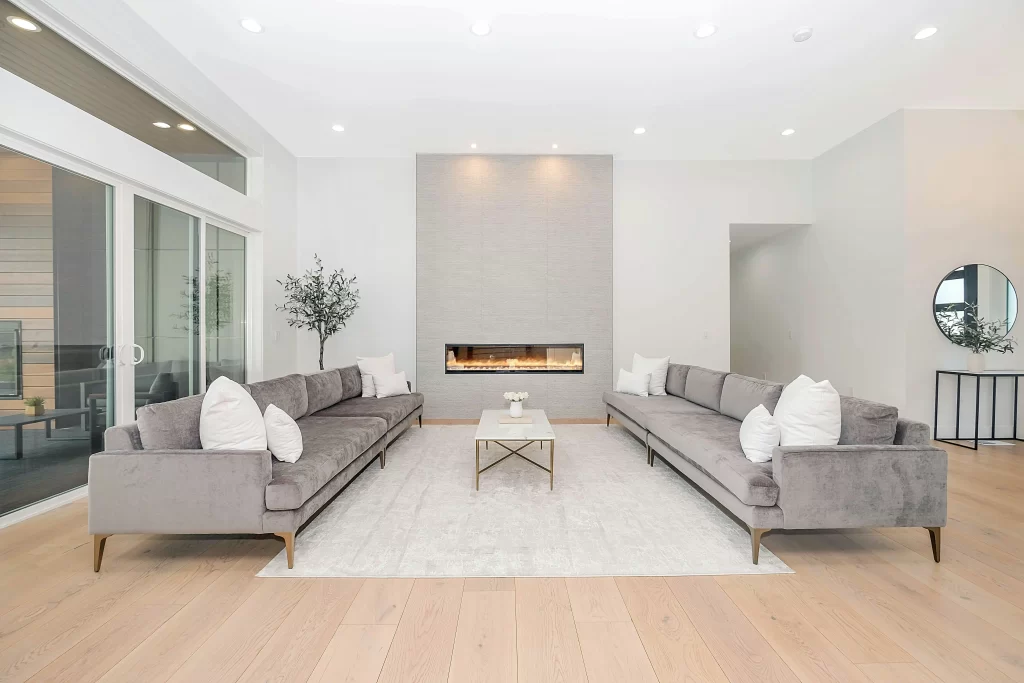
Google’s Nano Banana is another AI tool gaining popularity among interior designers. It’s just as powerful as Midjourney, but much more intuitive. Less fuss and setup means you can create visuals quickly and efficiently, which is perfect for speeding up your presentation workflow.
3. Sora

Sora focuses on video presentations, allowing you to immerse clients in your design in a way that static images simply cannot. For designers catering to higher-end clientele, Sora is a must-have — it lets you create stunning, high-quality presentations that truly wow clients and elevate your professional image.
4. Virtual Reality

Virtual reality walkthroughs take design presentations to the ultimate level. Now, you can transform your AutoCAD, Revit, or SketchUp files into fully immersive virtual experiences with tools such as Enviz, Yulio and SimLab. This type of experience is perfect for designers looking to invest in their business and attract clients who are willing to pay a premium to explore the design in its entirety before implementation.
These are some of the top AI tools for design presentations. Plus, there are many more AI tools to enhance designer’s workflow, read: AIs for interior designers’ workflow.
If you’re curious about MY personal tech stack, you can check it out, My Tech Stack. It includes an AI I swear by and call The Midjourney for Dummies.
How Interior Designers Can Benefit In The AI Revolution
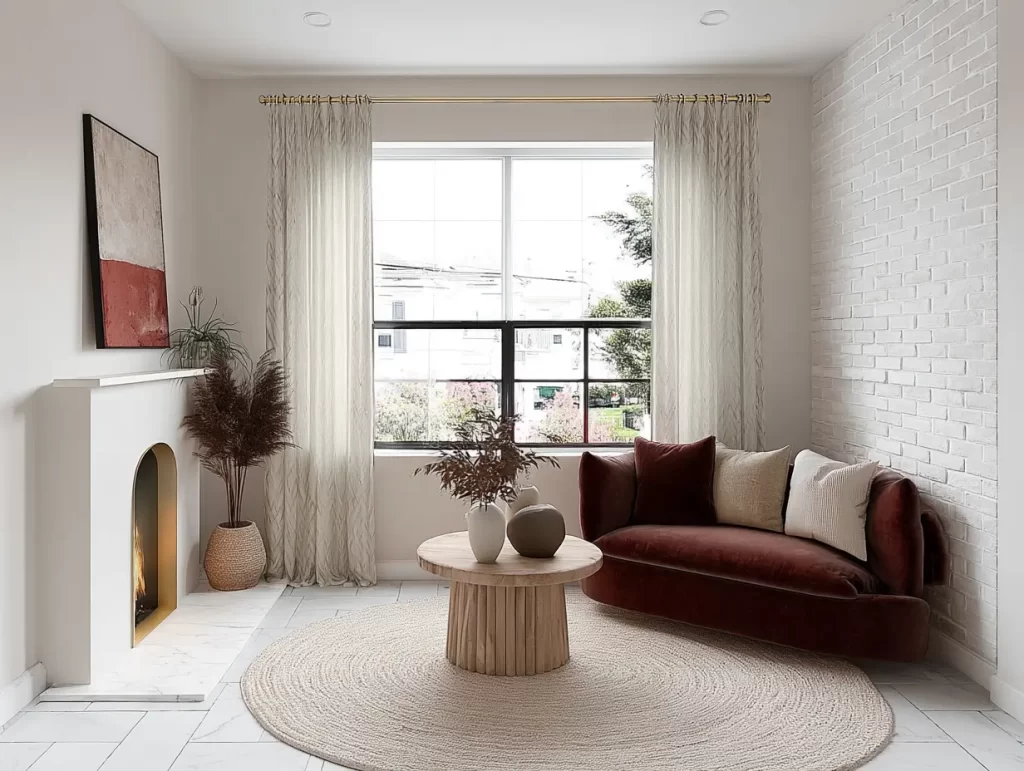
So, how should interior designers adapt, and how can designers actually benefit in the AI revolution? It largely comes down to presentation style.
With clients increasingly able to create their own 3D visuals with just a click, designers need to start offering more impressive presentations. With AI, designers are now able to create immersive and interactive experiences to truly sell their ideas. AI isn’t here to replace you — it’s here to push designers to elevate the client experience. Allowing your expertise, taste, and creativity to shine in ways a DIY tool cannot.
So whether that means creating more beautiful mood boards, creating more impressive 3D visuals faster, or taking it to the next level and offering your clients a VR experience or video presentations, there is room for growth and evolution in the way we pitch our designs. So, don’t worry, fellow interior designers, the AI revolution is not leaving us behind.
Need a software to run your interior design bizz? Read: The Best and Worst Interior Design Software
Click Here To Shop My Favourite Home Goods
Let’s design your space together, virtually.




