The Best All-In-One Software For Interior Designers
This year has been a whirlwind in the world of interior design software—and believe me, I’m always the first to know when something changes. We’ve seen Houzz Pro acquire Ivy, forcing designers to adapt to the cumbersome Houzz Pro system. We saw Studio Designer acquire Mydoma and DesignDocs, followed by Mydoma rolling out numerous updates and shifting several key functions on their platform.
New AI features have launched across tools like Programa and DesignFiles, and overall…it’s overwhelming. If you’re an interior designer trying to switch software—or choose one for the first time—your head is probably spinning.
Luckily for you, I’m breaking down the features of the 10 most popular interior design software platforms. I’ve listed the key features of each so you can see which ones are truly all-in-one (if any) and feel confident choosing the right software for your interior design business.
Templates vs. Software for Interior Design
Before we dive into software for interior designers, let’s talk about an important distinction: many designers still rely on templates—whether for presentations, FF&E schedules, mood boards, or even business management through Notion or Google Workspace. While these aren’t technically “software solutions,” they’re still a very real part of how many designers prefer to work.
Why? Because every designer has a different workflow. We all take on different types of projects, and we all have different levels of comfort and experience with certain tools. So many designers reach the conclusion that they need a combination of tools and software to achieve the workflow they want. For some, that looks like templates + Google Workspace + Canva + a favourite AI tool… you get the idea.
Now, software—especially all-in-one software—is designed to eliminate the need for juggling multiple programs. In theory, an all-in-one tool should streamline your entire business: client onboarding, communication, project management, product sourcing, FF&E schedules, invoicing, 3D visuals, mood boards, floor plans, AI and more.
But here’s the real question:
Is there actually one software that does it all for interior designers?
Or should designers keep juggling multiple subscriptions, digging through email rabbit holes, and wrestling with Canva template chaos?
Let’s take a look at the most popular interior design softwares, what features they offer, the monthly pricing and integrations.
Comparison Chart Of The 10 Most Popular Software For Interior Designers
DesignFiles | Houzz Pro | Mydoma | Studio Designer | Design Manager | Indema | Materio | Spoak | Programa | Gather | |
Lowest Price | $49 | $149 | $64 | $72 | $79 | $159 | $49 | $14.99 | $47 | $99 |
Highest Price | $69 | $599+ | $114 | $109 | $79 | $204+ | $495 | $49.99 | $59 | $199 |
Extra Cost Per Member | $25 | $60 | PER USER | PER USER | PER USER | $99 | $0 | $39 | PER USER | $39 |
Free Trial | ✅ | ✅ | ✅ | ✅ | ✅ | ✅ | ||||
Quick Books Sync | ✅ | ✅ | ✅ | ✅ | ✅ | |||||
Product Clipper | ✅ | ✅ | ✅ | ✅ | ✅ | ✅ | ✅ | ✅ | ✅ | |
Mood Boards | ✅ | ✅ | ✅ | ✅ | ✅ | ✅ | ||||
Floor Planner | ✅ | ✅ | ✅ | ✅ | ✅ | |||||
Elevations |
| ✅ | ✅ | |||||||
Renderings | ✅ | ✅ | ✅ | |||||||
AI Tools | ✅ | ✅ | ✅ | ✅ | ||||||
Task Management | ✅ | ✅ | ✅ | ✅ | ✅ | ✅ | ||||
Quotes | ✅ | ✅ | ✅ | ✅ | ✅ | ✅ | ✅ | ✅ | ||
Invoices | ✅ | ✅ | ✅ | ✅ | ✅ | ✅ | ✅ | ✅ | ||
POS | ✅ | ✅ | ✅ | ✅ | ✅ | ✅ | ✅ | |||
Financial Reports | ✅ | ✅ | ✅ | ✅ | ✅ | ✅ | ✅ | |||
FF&E / Specs | ✅ | ✅ | ✅ | ✅ | ✅ | ✅ | ✅ | ✅ | ||
Calendar | ✅ | ✅ | ✅ | ✅ | ✅ | |||||
Client Portal | ✅ | ✅ | ✅ | ✅ | ✅ | ✅ | ✅ | ✅ | ✅ | ✅ |
Contracts | ✅ | ✅ | ✅ | ✅ | ✅ | |||||
Mobile App |
| ✅ | ✅ | ✅ | ✅ | |||||
Rating | 4.6 | 4.3 | 4.2 | 3.3 | N/A | 3.8 | 4.9 | 4.8 | 4.8 | 4.9 |
Software For Interior Designers – Reviews
DesignFiles User Review
Best “Does Everything” Program for Interior Design
I absolutely love DesignFiles. Customer service is helpful and responsive. They have a Facebook group where you can go ask the community for program tips and other advice related to interior design. And they are constantly making useful upgrades!
Overall, DesignFiles has stellar reviews and reputation among designers. What makes it stand out to me (and why I use DF) is the 90-day money-back guarantee, this is something that no other software for interior designers offer. So, you can try the software risk free to see if it meets your needs.
Apart from that, DF has recently launched an Enhance with AI tool, which sets is apart from the rest of the softwares out there. Although some other software for interior design have AI tools, none of them have an AI for enhancing visuals. With this feature, you can improve the look of your mood boards, 3D renders and client visuals without having to use a separate AI tool.

Houzz Pro User Review

Overall I love the software but the cost for everything isn’t matching the return. The 3d floor plan is a great tool but needs to be simpler.
Houzz Pro isn’t just used by interior designers—it’s also widely used by trades such as contractors and painters. In my opinion, Houzz Pro is actually better suited for trades than for designers. The cost isn’t justified for most designers, and the platform’s directory structure means your potential clients will see you alongside all of your direct competition, making it easy for them to quickly compare portfolios.
While people can do this on Google as well, Houzz Pro markets itself as a lead-generation tool for designers. This often results in the same leads being sent to multiple designers at once, creating unnecessary competition and a less thoughtful approach to client matching. Many designers feel the platform isn’t industry-specific and doesn’t reflect the unique workflow or needs of interior design studios.
As a result, a lot of designers report that Houzz Pro doesn’t deliver a meaningful return on its costly monthly membership, making it a more practical fit for trades rather than interior designers.
Mydoma User Review
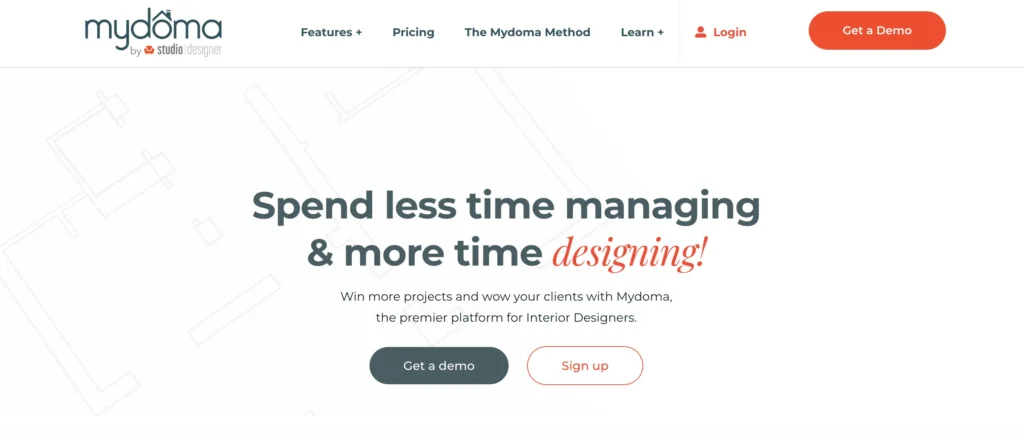
I used to love it. I was heart broken when I created a guest user account to see what the end user experience was like. It is not conducive to my business. I am heartbroken that after three years I will have to switch to a new platform. Also, I know some designers are stoked about the renderings, but I pay a lot of money for Cad software and computers to use it. I do not need this. Focus on what you were meant to be. Honestly. This has me so upset I lay awake at night about it, sad. I will be looking for a new software platform. (Unless I can keep mydoma previous version).
The consensus around Mydoma is that the recent changes made to the platform have actually made the software more difficult to use. In the software world, updates are meant to improve the user experience—not complicate it. As a result, I’m seeing many designers switch away from Mydoma in search of an easier-to-use, truly all-in-one tool.
Studio Designer User Review

Not happy, had to use it because the software we used got bought out by them. Supposedly they were able to transfer our entire book from the old software to their software but everything was messed up. Customer support is slow and chat is basically useless. If you cannot trust the financial numbers in the software to be correct, then what good is it?
Next, let’s talk about Studio Designer, which has acquired Mydoma. The way I see it, Studio Designer is far more focused on the complex financial side of running an interior design business than on client communication or presentation tools. Studio Designer can be used alongside Mydoma to create a more complete workflow—but at a hefty price. Overall, designers seem to have negative opinions about Studio Designer.
Design Manager User Review

The Design Manager software has been very effective in keeping my office organized. Switching to a software program designed specifically for the design industry has proven to be extremely valuable in managing the details, and therefore, has saved us time and money. I would highly recommend them to any interior design business.
Now, Design Manager doesn’t have as many reviews as its competitors, but it does appear to have a solid reputation among the users that do use it.
Indema User Review
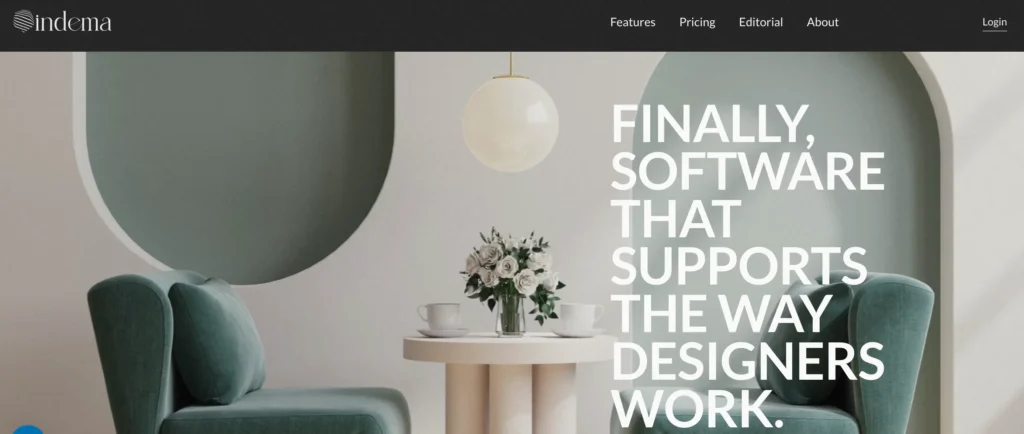
There is surely a lot of project management software out there but Indema stands out as it was not only built to manage interior designer’s projects but their businesses as well. It automates almost everything saving a lot of your time and it offers a friendly modern platform. Their Gantt chart feature is also a must-try as it really makes your “Things To Do” easier to understand and manage. Another thing that I loved the most is their friendly and amazing customer support. I know, as I also work in the customer success field.
Indema feels like the new “cool kid on the block” among interior design software platforms. It’s a newer tool that seems geared toward designers with a higher-end clientele—at least based on its pricing. Indema recently shifted from project-based pricing to a monthly subscription model, which suggests the company is still in the early stages of product development and may continue evolving. Overall, this software definitely intrigues me.
Materio User Review

10 out of 10, again can’t sing their customer service higher praises. The best part is being able to manage, truly every aspect of our projects on the platform. Sourcing, design library, takeoffs, scope of work, internal communication, client communications, selections, upload plans, take payments – everything!! And sure, software like Ivy claim they offer this but it is nothing like the streamlined functionality of Materio.
Materio has a stellar reputation among its users, many of whom work across various roles within the interior design and construction fields. Because it serves a broader audience beyond just interior designers, it may not feel as industry-specific as some of the other interior design software options. However, its strong focus on construction details and fixture sourcing makes it especially useful for designers who work heavily on renovations or projects that involve specifying a large number of materials and fixtures.
Spoak User Review
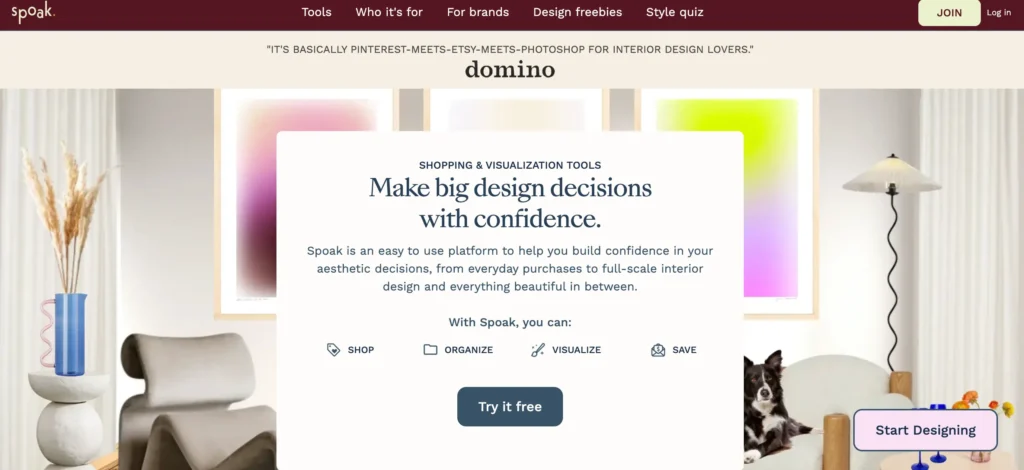
We can see the potential of Spoak – an online service to throw ideas around, design a room, match furniture, and so on. It sounds great, but we were left underwhelmed. Maybe it’s trying to do too much? There’s a lack of inventory for some categories (almost non-existent for ‘Outfits’), along with a penny-pinching attitude, like having to pay to remove their watermark, or remove a background from an object present in their own inventory.
Spoak is a design tool that caters to a broader audience and generally offers a great user experience. Some of its features—like the floor-planning and elevation tools—are extremely useful for designers. While it’s not as robust or full-scale as some of the other software options, many designers still use Spoak alongside their primary tools because of how intuitive and enjoyable it is to work with.
Programa User Review

Overall, Programma is an excellent tool for interior designers — especially those managing multiple projects and product specifications. It’s clean, intuitive, and has truly simplified how I organize my design library and manage my workflow.
Programa is a software I’ve spoken highly of on my blog before, and it’s one I have extremely high hopes for. Its clean, modern interface is a favorite among users, and features like Pinterest integration and AI tools that streamline the workflow really help it stand out from the crowd.
Gather User Review
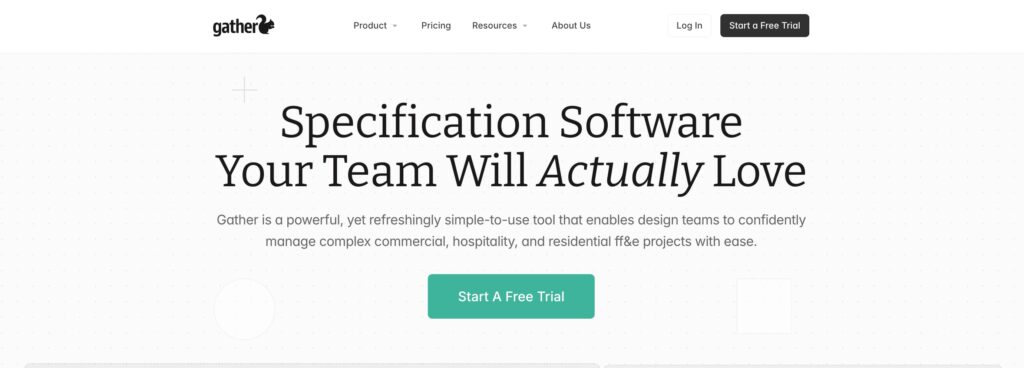
Love it!! We recommend it to all design teams who need a way to track all selections for FF&E including procurement.
Gather is a well-loved tool, but I would describe it more as an FF&E design tool rather than an all-in-one solution. It offers a great system for creating spec sheets, but it falls a bit short compared to competitors that can generate FF&E documents and provide a much wider range of additional features.
The Best Software For Interior Designer
After researching all of the software options available for interior designers, what are my suggestions for those reading this?
If we look at my comparison chart of the major features an interior design software should have, there are a few that are close to meeting the all-in-one tool.
Now, considering price point and user reviews, which software stands out? My pick would be: DesignFiles.
All-In-One Interior Design software
What is DesignFiles missing?
It’s missing a mobile app and the ability to create elevations. Other than that, it checks all the boxes. For that reason, it’s my number-one recommendation for both virtual interior designers and full-service designers. I also really appreciate that it has built-in AI, which eliminates the need for designers to learn yet another cumbersome AI tool.
If I had to name a runner-up, I’d say Programa is another software I’m very impressed with. Although it doesn’t include floor planning or 3D rendering tools, I love the clean interface and the overall flow of the platform.
Now, keep in mind that software is very personal. Different designers have different preferences. If there’s one thing I’ve learned in all my years in the interior design industry, it’s that designers work very differently. It’s a big industry, so that’s completely understandable. Naturally, designers will prefer certain workflows and software over others.
If you want to know what my full Tech Stack is, click here.
Click Here To Shop My Favourite Home Goods
Let’s design your space together, virtually.