The Best AI Home Design Apps to Try
We’re just over halfway through 2026, and it feels like the AI home design bubble still hasn’t burst. If anything, new AI-powered home design tools seem to be popping up every other day.
As an interior designer who has tested nearly all of the notable AI home design apps on the market, I’ve also discovered that not every app deserves the spotlight. Some are genuinely useful, while others leave a lot to be desired.
In this post, I’m breaking down the top AI home design apps worth knowing about in 2026 and, more importantly, why each one made the list.
AVOID COSTLY (AND UGLY) DESIGN MISTAKES

Benefits of Using AI Home Design Apps
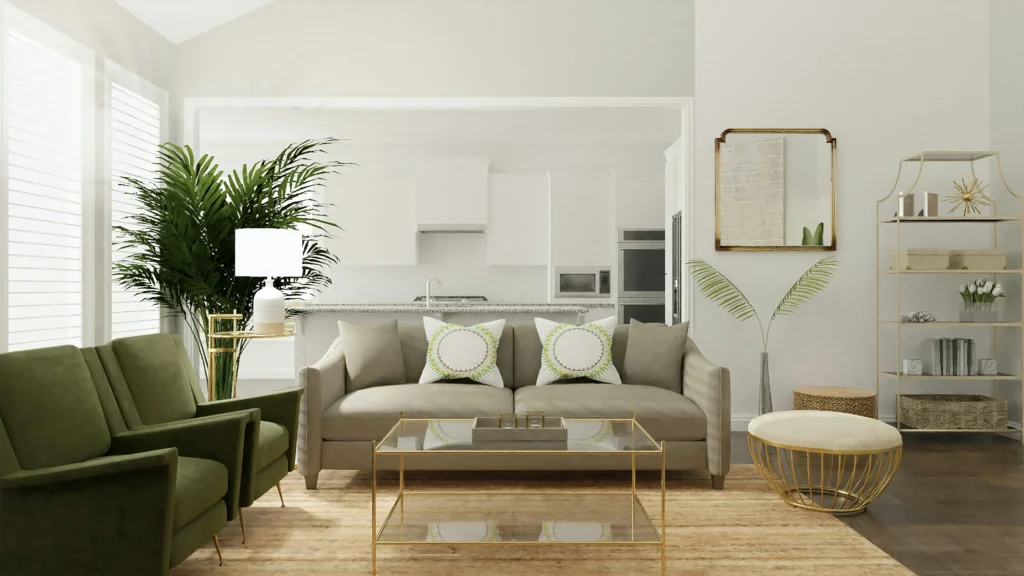
Designing your home design can feel like a daunting task (take it from me, an interior designer). There are so many decisions to make: from materials and finishes to furniture and decorative pieces, you want to make sure it all comes together functionally and aesthetically in the end.
The benefit of AI home design apps has revolutionized this process, making it more accessible and efficient for homeowners who want to take on a DIY approach. One of the most significant benefits of using these apps is the ability to visualize your ideas in real-time. Gone are the days of struggling to imagine how a piece of furniture will look in your living room. With AI technology, you can quickly see these changes, allowing you to make more informed decisions.
This means AI home design apps can empower buyers and potentially mean less buyer’s remorse and returns.
How AI Home Design Apps Work
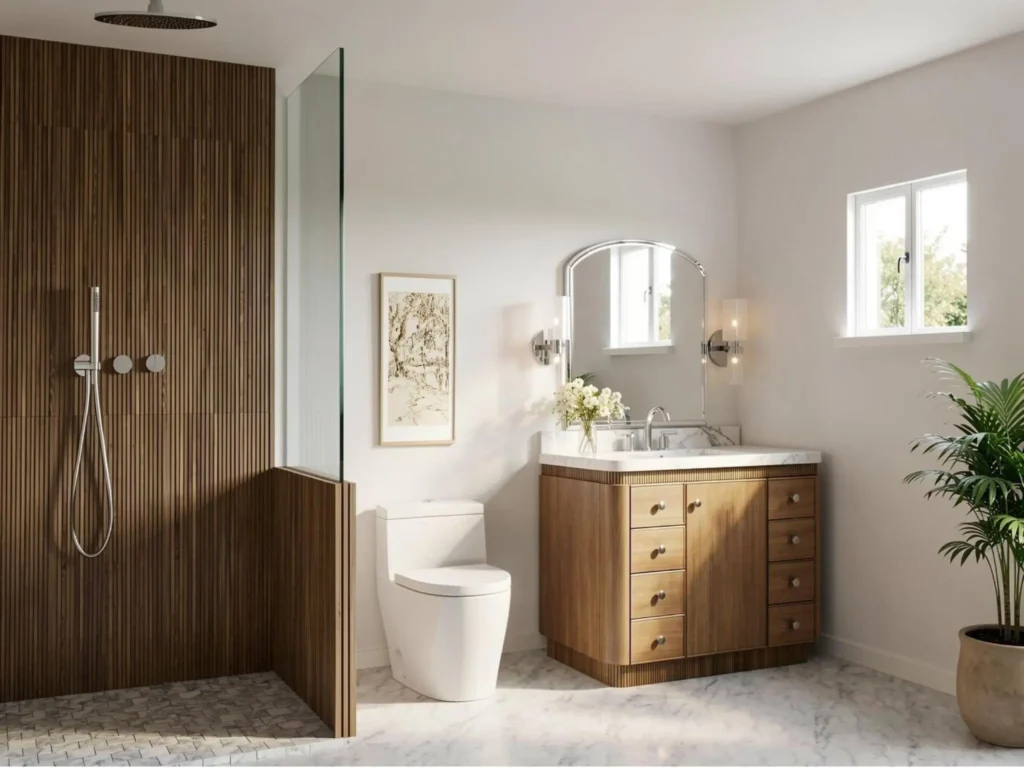
At the core of these apps lies sophisticated algorithms that can analyze and interpret design elements in real-time. These algorithms are capable of processing vast amounts of data to generate design suggestions that should be both aesthetically pleasing and functional. When you input your room’s dimensions, existing furniture, and design preferences, the AI uses this data to create a variety of design options tailored to your specific needs.
One of the key features of AI home design apps is their ability to use augmented reality (AR) to overlay digital images onto your physical space. This technology allows you to see how different design elements will look in your home before making any physical changes. For instance, you can use your smartphone’s camera to visualize how a new sofa will fit in your living room or how a different wall colour will impact the overall ambiance.
Additionally, these apps often incorporate machine learning to continually improve their design suggestions. As you interact with the app, it learns your preferences and refines its recommendations accordingly.
Warning: AI Doesn’t Always Get It Right

As a designer, I’m now seeing more and more clients come to me saying:
“Here’s how AI designed my space, and it doesn’t feel quite right.”
Because of this, I feel it’s important to include a bit of a disclaimer when it comes to relying solely on AI to design your home.
My advice? Be mindful of relying too heavily on AI, particularly when it comes to interpreting dimensions, proportions, scale, and existing conditions. AI can misinterpret measurements or fail to understand how furniture and architectural elements will actually function within a space.
I’ve also found that AI can struggle with accurately interpreting colour. For example, a wall that appears dark green in person might photograph as a dark grey depending on the lighting, camera, and surrounding colours. The AI may then interpret that colour incorrectly and generate recommendations based on something that isn’t actually true.
That said, I think AI home design apps are excellent tools for generating inspiration, exploring different directions, and getting the creative juices flowing. But when it comes to solidifying a design and making decisions that involve significant time or money, I’d recommend bringing in a professional—especially for kitchens and bathrooms, major renovations, or spaces where you’re planning to make a substantial investment.
Top AI Home Design Apps
Here are my top AI Home Design Apps and why.
Planner5D

Consistently, Planner 5D makes the list of top AI home design apps.
When I first tried the app, I was genuinely blown away by its capabilities.
One of my favourite features is how easy it is to use your phone to upload a floor plan and have the AI build out the layout for you. From there, you can fully design and customize your space using an extensive 3D library filled with kitchen cabinets, furniture, decor, and more. This makes Planner 5D particularly useful for planning remodels, experimenting with layouts, and visualizing design selections.
The output from this AI home design app is also genuinely impressive. The renders can look highly polished and, in many cases, approach a professional-quality standard.
If you’re a homeowner looking for a robust AI home design app that goes beyond simply generating pretty room images, Planner 5D is one you shouldn’t overlook.
Read more on this app here.
Coohom

Coohom is another AI home design app that genuinely impresses me. The platform is extremely easy to use and is probably one of the most user-friendly AI interior design tools out there.
You can build out floor plans, fully customize your layout, and create incredibly impressive visuals—all in a relatively short amount of time. Whether you’re experimenting with different layouts or trying to visualize how a space could come together, Coohom makes the process feel surprisingly intuitive.
The software also seems to be constantly rolling out impressive updates. One of its more recent features allows you to create 3D models from photos, meaning you can potentially plan out your entire home using the exact products and pieces you’re considering. This is a particularly useful feature if you want to see how real furniture, finishes, and decor will work within your space before purchasing.
Read more on this app here.
AIHomeDesign
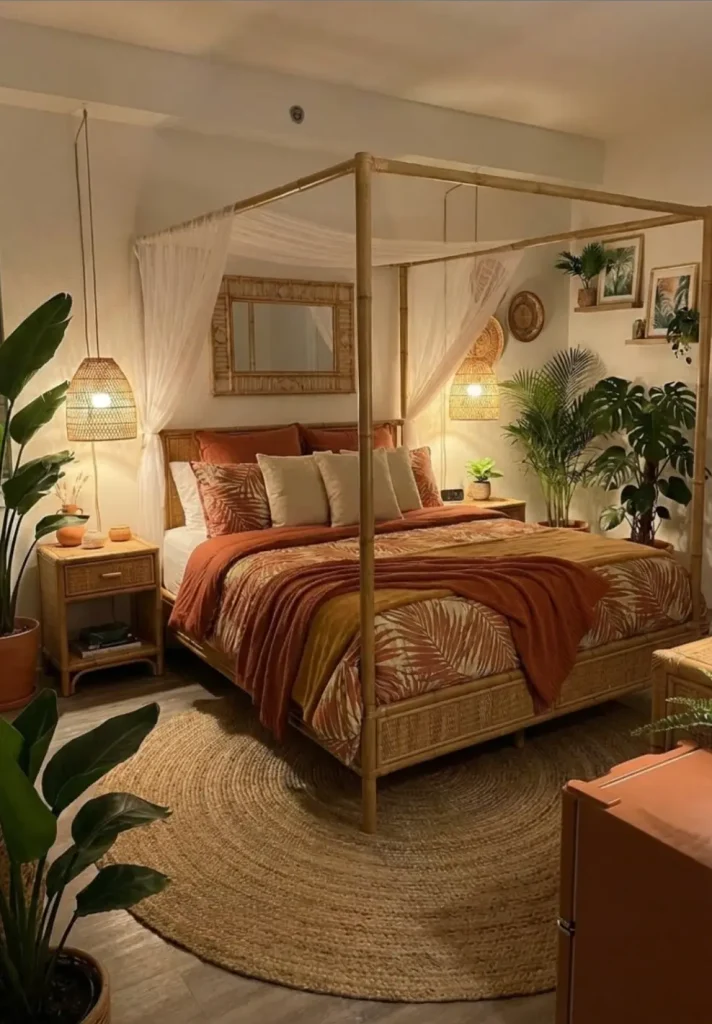
AIHomeDesign is a simple-to-use AI home design app that allows you to generate visuals using prompts. Whether you’re looking to redecorate your living room, create a bedroom you love, or simply experiment with a new design direction, you can use the app to visualize potential changes to your space.
From there, you can continue prompting the AI to fine-tune your design and explore different furniture, colours, styles, and finishes until you land on a look you love.
ChatGPT
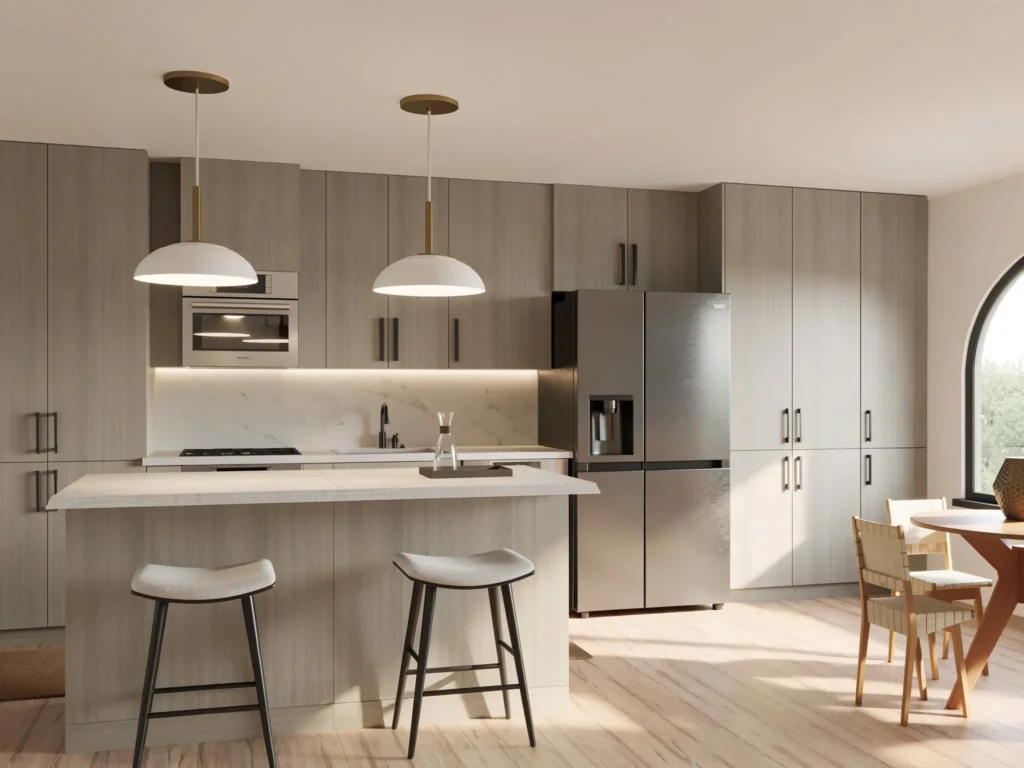
ChatGPT for home design is still a decent option. In fact, it’s probably the most common tool I see my clients using to visualize their spaces.
That said, while ChatGPT can provide some great design guidance—everything from paint colour suggestions and product recommendations to general advice inspired by interior design resources across the web—it can sometimes miss the mark when it comes to space planning.
The biggest limitation I’ve noticed is its ability to accurately interpret scale and proportions. It may suggest furniture that looks great in a generated image but simply isn’t practical for the actual dimensions of the room. So while ChatGPT can be a great starting point for ideas and inspiration, I wouldn’t rely on it alone when it comes to making precise space-planning decisions.
Click Here To Shop My Favourite Home Goods
Let’s design your space together, virtually.