The AI I Actually Use as an Interior Designer
AI for interior designers stopped being a buzzword for me in 2025. That year, my entire workflow started to shift in a drastic way, and I am so happy it did. In 2026, my workflow and tech stack kept evolving because the advancements in AI made it hard not to adapt to an easier way of working. What used to take me the better part of a day now takes a fraction of the time, all because I found a way to use AI that actually works for my design business.
If you’ve been wondering how to practically start implementing AI into your workflow, this post is for you. I’m walking you through what changed, why I leaned in instead of panicking, and the exact tools I use today, from admin and proposals all the way to photorealistic renders.
What my workflow used to look like
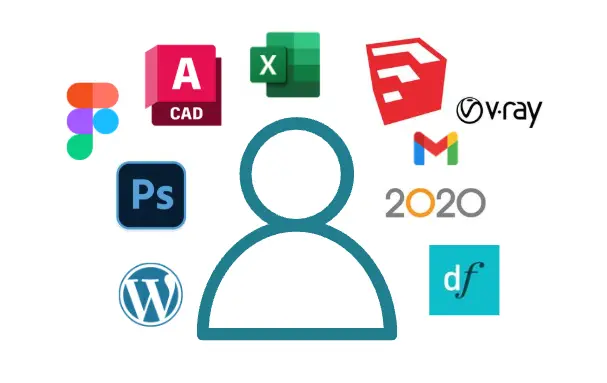
Before AI, so much of my week went to tasks that had nothing to do with design:
- Client proposals took hours on end, mostly spent formatting Excel files.
- Photorealistic renders meant juggling multiple tools just to get a sub-par result.
- Client emails took real brain power to get the tone just right.
- Sourcing the perfect piece meant an endless amount of hunting.
All of that added up to hours that went unbilled. Because let’s face it: you can’t charge your clients for your inefficiencies.
For many years, I felt like I was swimming in endless software without ever really mastering any of it. My systems were disconnected, and I was wasting so much time on admin work, uncreative work, and formatting documents to match my branding, and all that jazz.
Where the shift to an AI workflow began
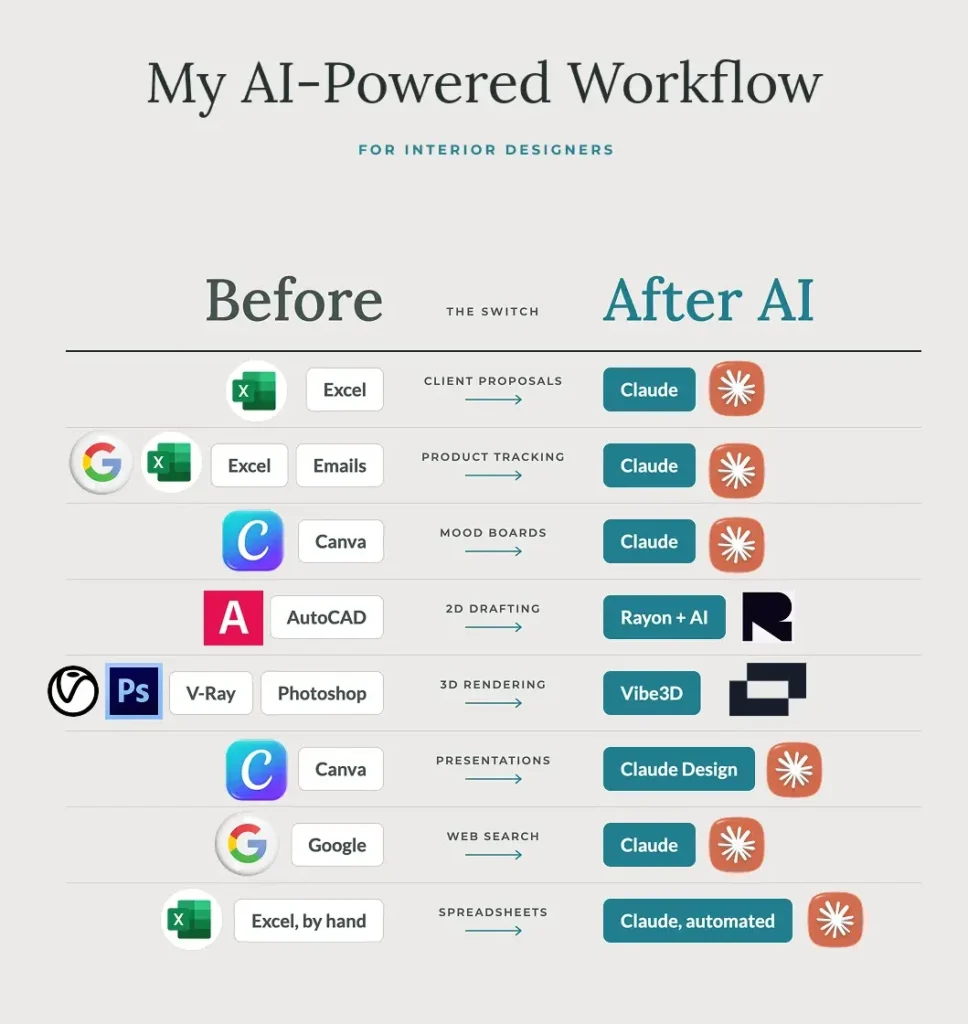
When AI hit the scene, a lot of interior designers started asking themselves, “Will my job become obsolete?” I saw it differently. To me, it was an opportunity to grow and expand my clientele.
Yes, AI can make a pretty picture, and maybe help the average homeowner with a few design decisions. But that doesn’t take away from what AI can do for interior designers. That part is very real, and what it did for my workflow was amazing.
The biggest change? I now feel I can charge my clients an honest flat fee based on my talent, instead of billing hourly at a rate that could never realistically cover all the unbillable time I used to lose to admin, bookkeeping, uncreative work, and formatting documents.
The best AI for interior designers: my full tech stack
So what does my AI workflow actually look like day to day? I’m revealing my full tech stack here: the AI for interior designers that I use at every stage of a project.
Admin, proposals, client emails and project management: Claude

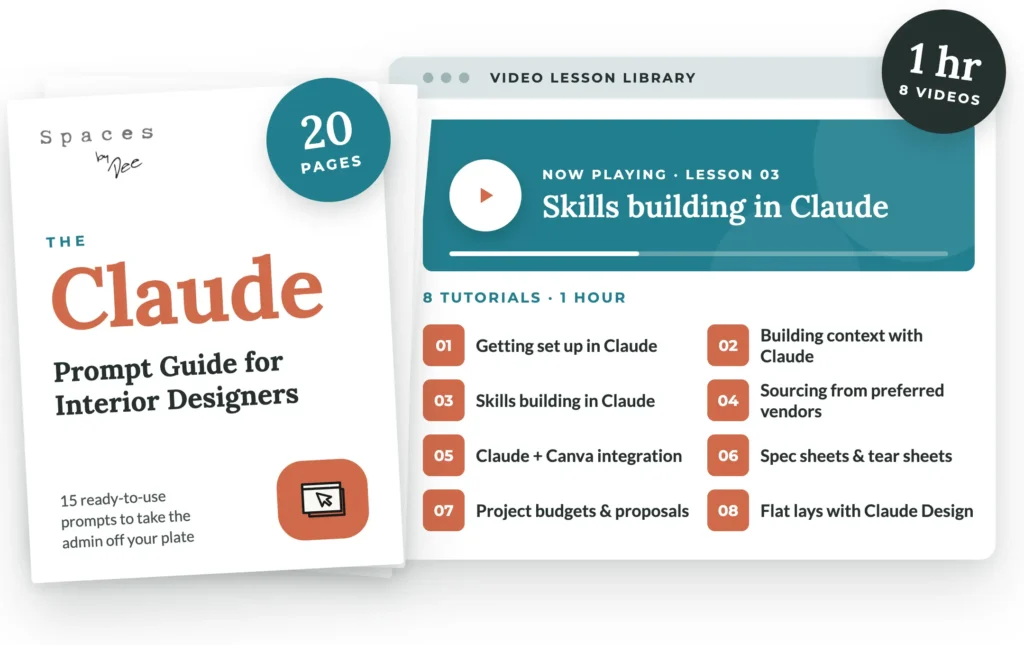
Claude has become my design assistant. I stand by the statement that Claude is the most efficient AI for interior designers, both for the admin side of the business and as a project manager.
What makes Claude different is that it can work directly with the files on your desktop, and it can help with the wide variety of tasks designers actually need help with, including:
- Drafting client proposals
- Creating contracts
- Client communication and emails
- Project and client research
- Project tracking
- Mood board creation
- Product sourcing from preferred vendors
And more…
Claude is constantly evolving and updating, which means its capabilities for interior designers keep expanding.
One tool in particular that I can’t live without now is Claude in Chrome. It’s an extension that lets Claude work right inside my web browser, so it can draft and edit emails, source products, and more, quite effortlessly. This is absolutely the most game-changing piece of software in my stack.
Drafting: Rayon
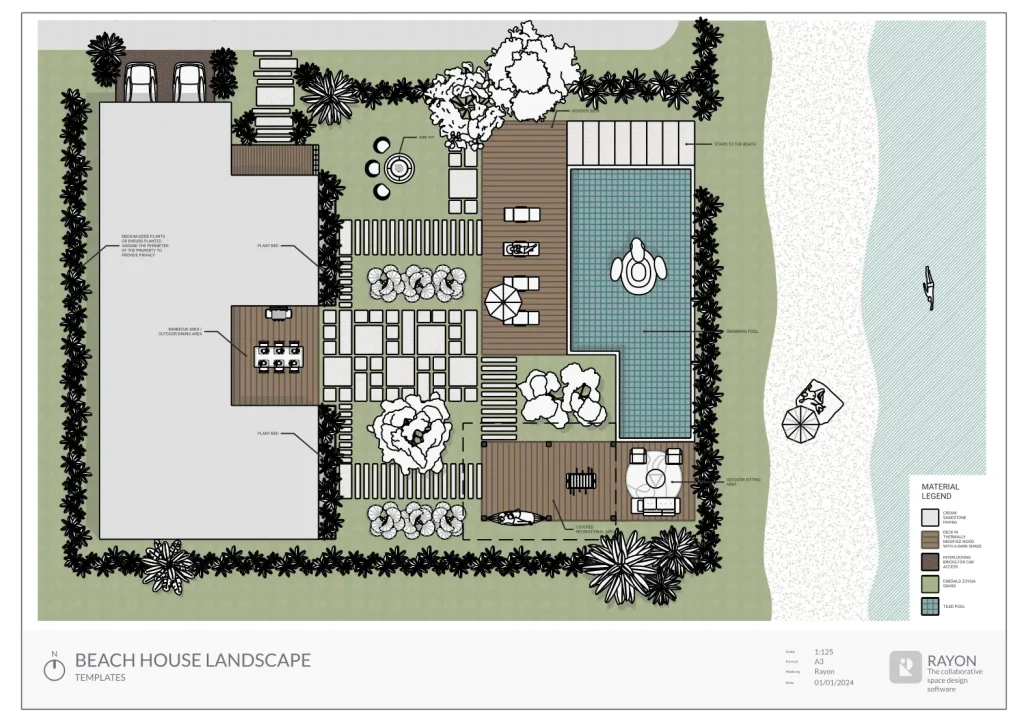
For drafting, I use Rayon. It’s a browser-based drafting and space-planning tool built with interior designers in mind, so there’s no clunky software to install, and my floor plans and drawings all live in one place.
What I love most is that Rayon has AI built right into the platform (the Claude in Chrome extension is also compatible with this software). I use it to speed up my drafting, so I spend less time on the tedious parts of drawing and more time actually designing the space. Clean, professional drawings in a fraction of the time? Yes, please.
Read: Claude in Rayon: The Powerful AI Drafting Hack Designers Need
3D modelling: Planner 5D

I’ve tried a million and one 3D floor planner tools over the years, and I’m happy to say I finally found a modelling and rendering workflow that makes sense for me.
I consider 3D model creation part of the creative work of interior design. It’s where I really get into the design and make adjustments as I bring my vision to life, so I don’t hand this part off to AI entirely. Instead, I use Planner 5D, a 3D planner with AI built in that speeds up the process of creating the model.
Read: The Best 3D Floor Planner Software For Pros
Rendering: Vibe3D
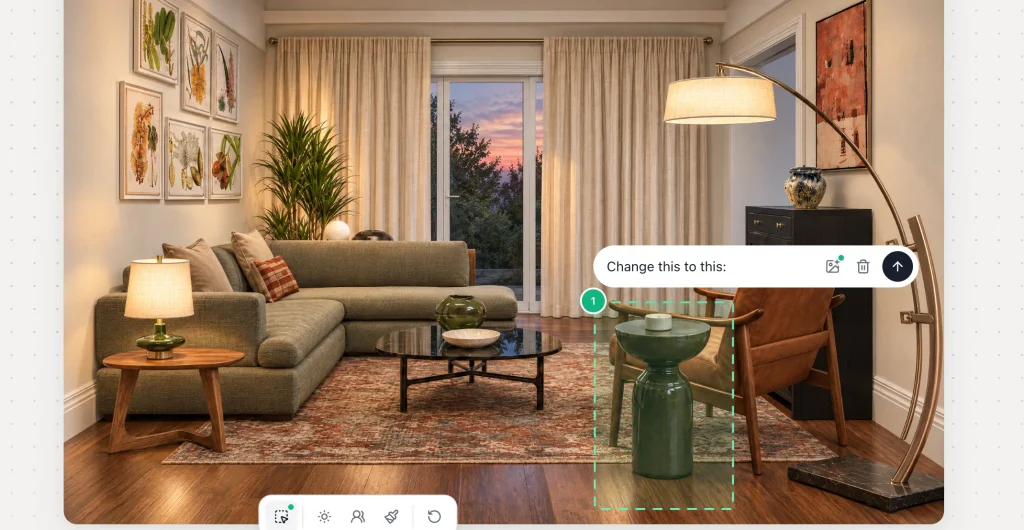
Once the model is built, I use another AI tool to actually render the scene, either as an enhanced photorealistic render or even a fly-through video, which I think is super impressive. That tool is Vibe3D, and I swear to you, it’s the easiest rendering tool I’ve ever used. I am OBSESSED with how easy it is.
Thinking back to my old workflow of SketchUp + V-Ray + a million plugins + Photoshop, I am truly grateful for AI rendering.
With Vibe3D, you can:
- Choose the lighting
- Pick a rendering style (photorealistic, plus fun styles like watercolour)
- Add people to the scene
- Swap out items, which is super helpful during design development
- Work with the AI to get the perfect visual to sell your clients on the design
Amazing.
PROMO CODE: Get 10% Off Vibe3D
If this Vibe3D review has you ready to try it, the team at Vibe3D is offering Spaces by Dee readers 10% off your first 3 months with code SPACESBYDEE. Be sure to use it, and let me know in the comments how your experience with this AI rendering tool goes!
What AI doesn’t replace
AI hasn’t replaced the designer in my business; it has replaced the busywork. The creative vision, the relationships with my clients, and the final judgment calls are still mine. I review everything AI helps me produce before it goes out the door, and anything with legal weight, like contracts, should still get a professional’s eyes on it.
The way I see it, AI gives me back the hours I used to lose, so I can spend them on the part of this job I actually love: designing.
How to start building your own AI workflow
If you’re overwhelmed by everything being marketed as AI for interior designers, here’s where I’d start:
- Start with your biggest time drain. For most of us, that’s admin: proposals, emails, and formatting documents.
- Pick one tool and learn it well before adding another. Swimming in endless software is exactly what we’re trying to get away from.
- Keep the creative work yours. Use AI to speed up the process, not to replace your design eye.
- Rethink how you charge. Once your workflow is more efficient, a flat fee based on your expertise may make more sense than an hourly rate if many of your hours go unbilled because of inefficiency.
The bottom line
AI didn’t make my job obsolete. It made my business more efficient, more profitable, and a lot more fun. If you’ve been on the fence about bringing AI into your design workflow, I hope this gives you a peek at what AI for interior designers can actually do.
Are you using AI in your design business yet? Let me know in the comments which tools you’re loving, or which ones you’re curious about.
Click Here To Shop My Favourite Home Goods
Let’s design your space together, virtually.